Troubleshooting
Fix Billing and Payment Failures
Summary
Resolve payment failures to restore healthy subscription status and uninterrupted access.
Steps
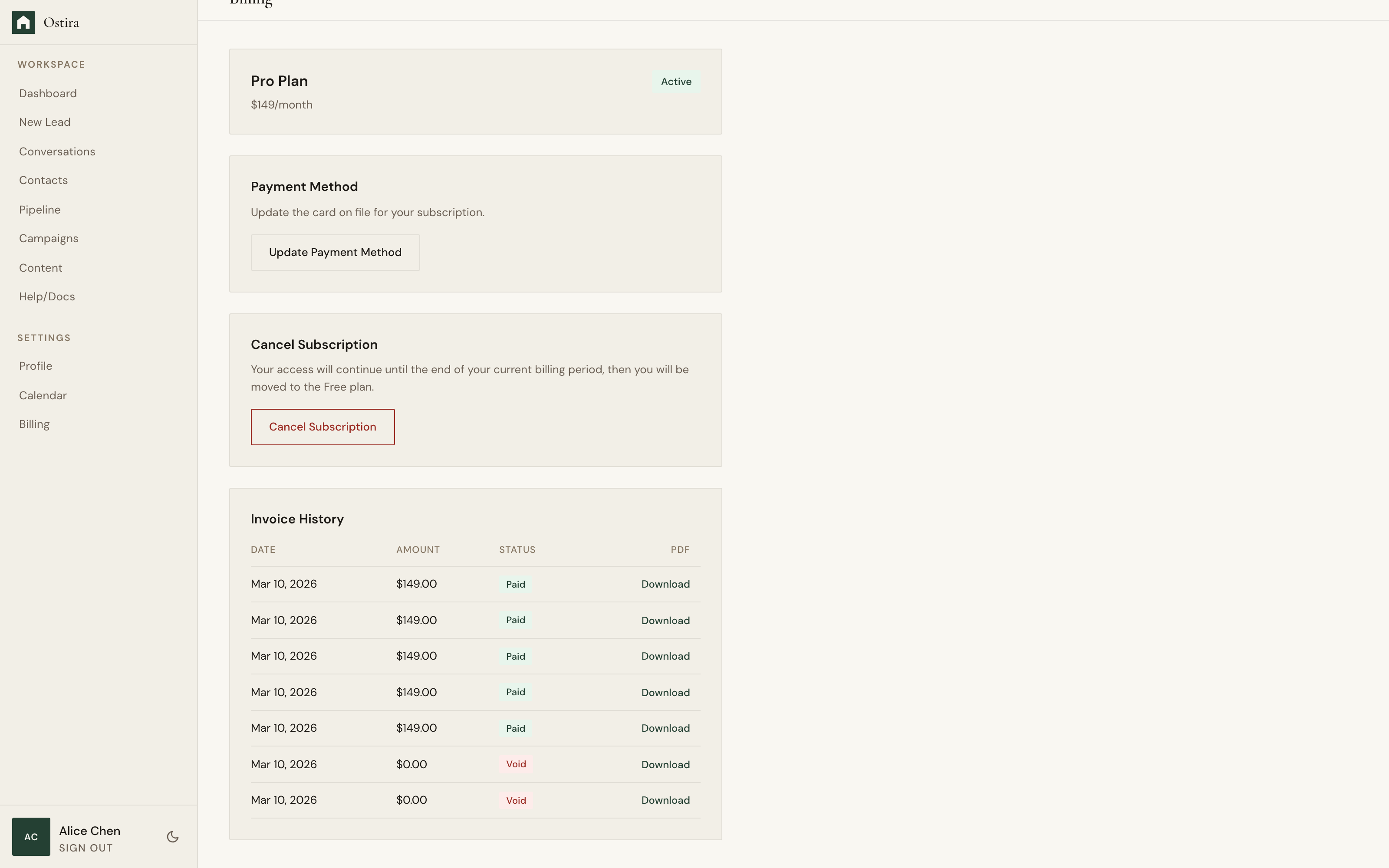
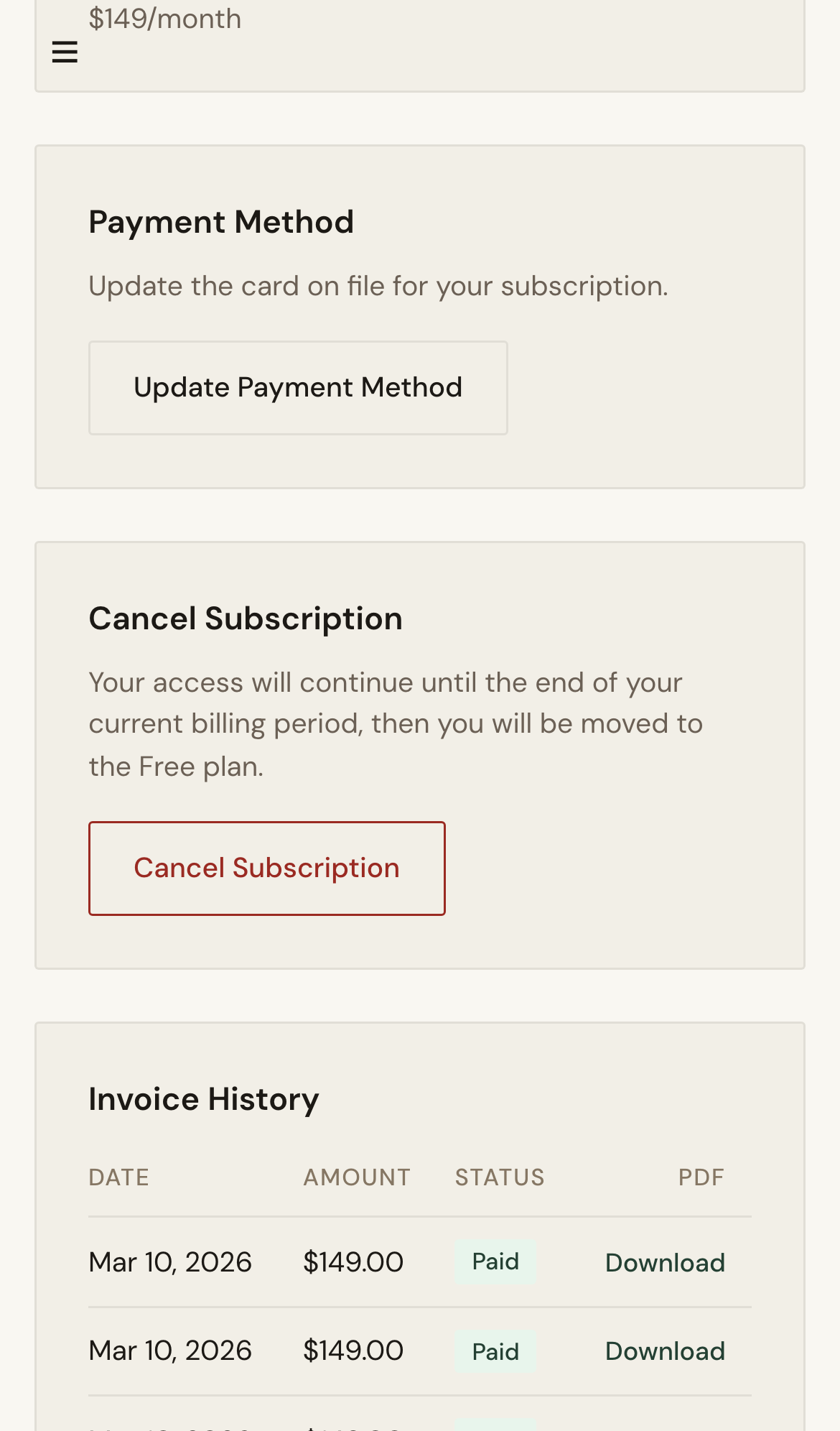
- Open Billing and review current status.
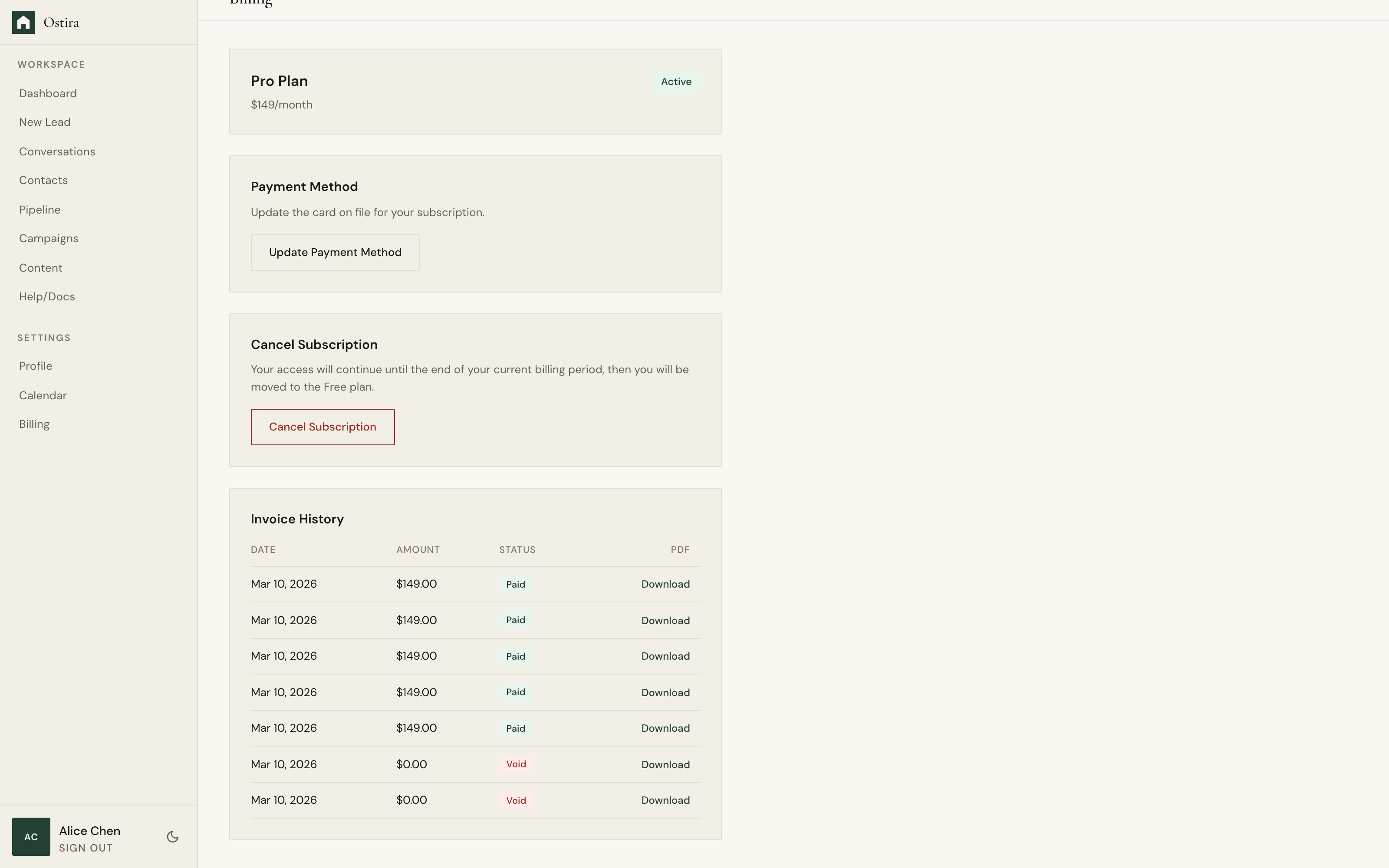
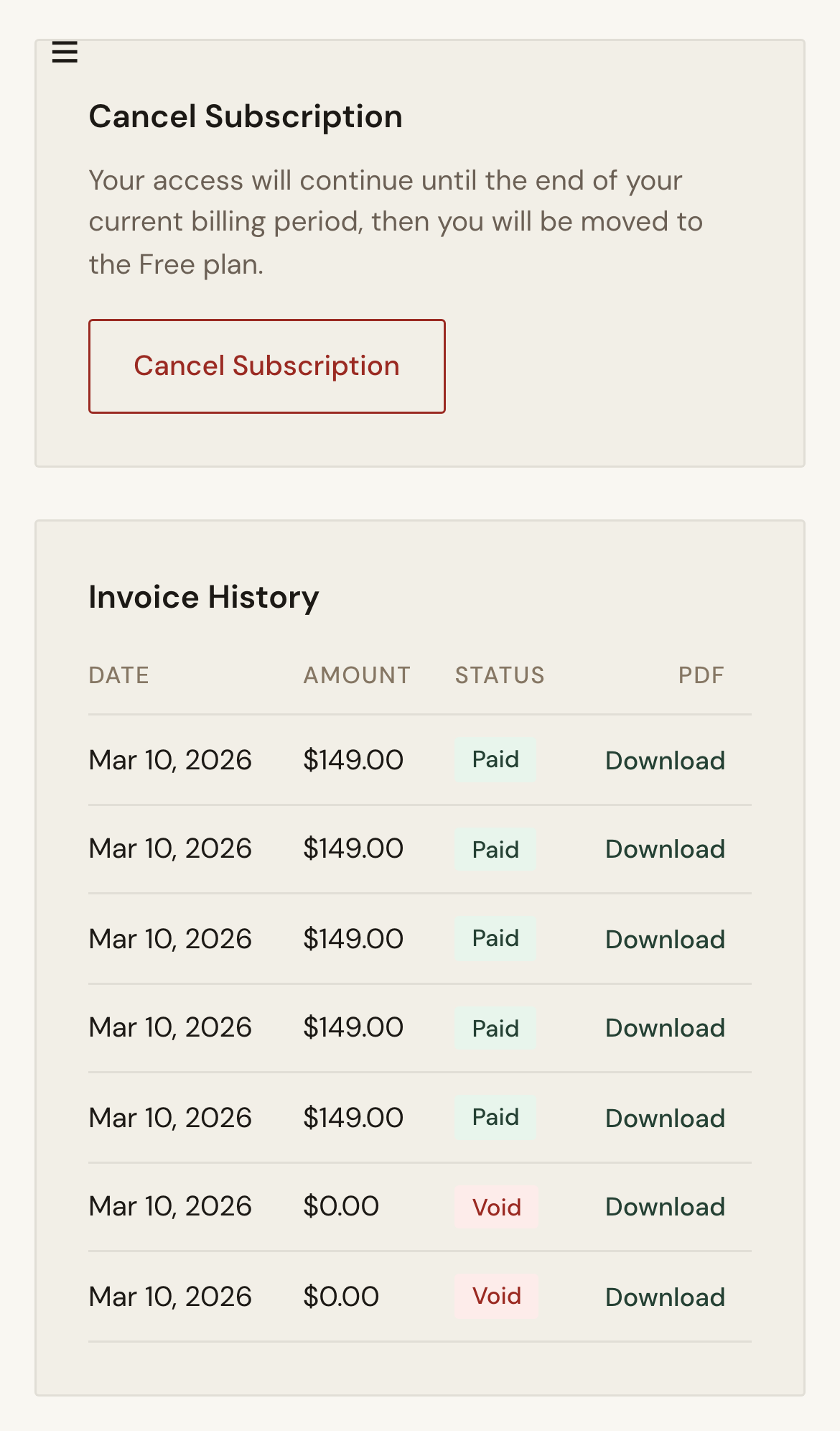
- Update payment method and retry payment.
- Confirm status returns to active.
Expected Result
Billing issue is resolved and subscription access is restored.
Screenshots
Visual reference aligned to each step with desktop and mobile variants.
Step 1
Step 2
Troubleshooting
- If retries fail, use an alternate card or contact your bank.
- If status does not recover, refresh and recheck billing.
Still blocked after following these steps?
Escalate Billing Issue