Getting Started
Use the Help Center
Summary
Find relevant guidance quickly by using section navigation and contextual docs links from key workflows.
Steps
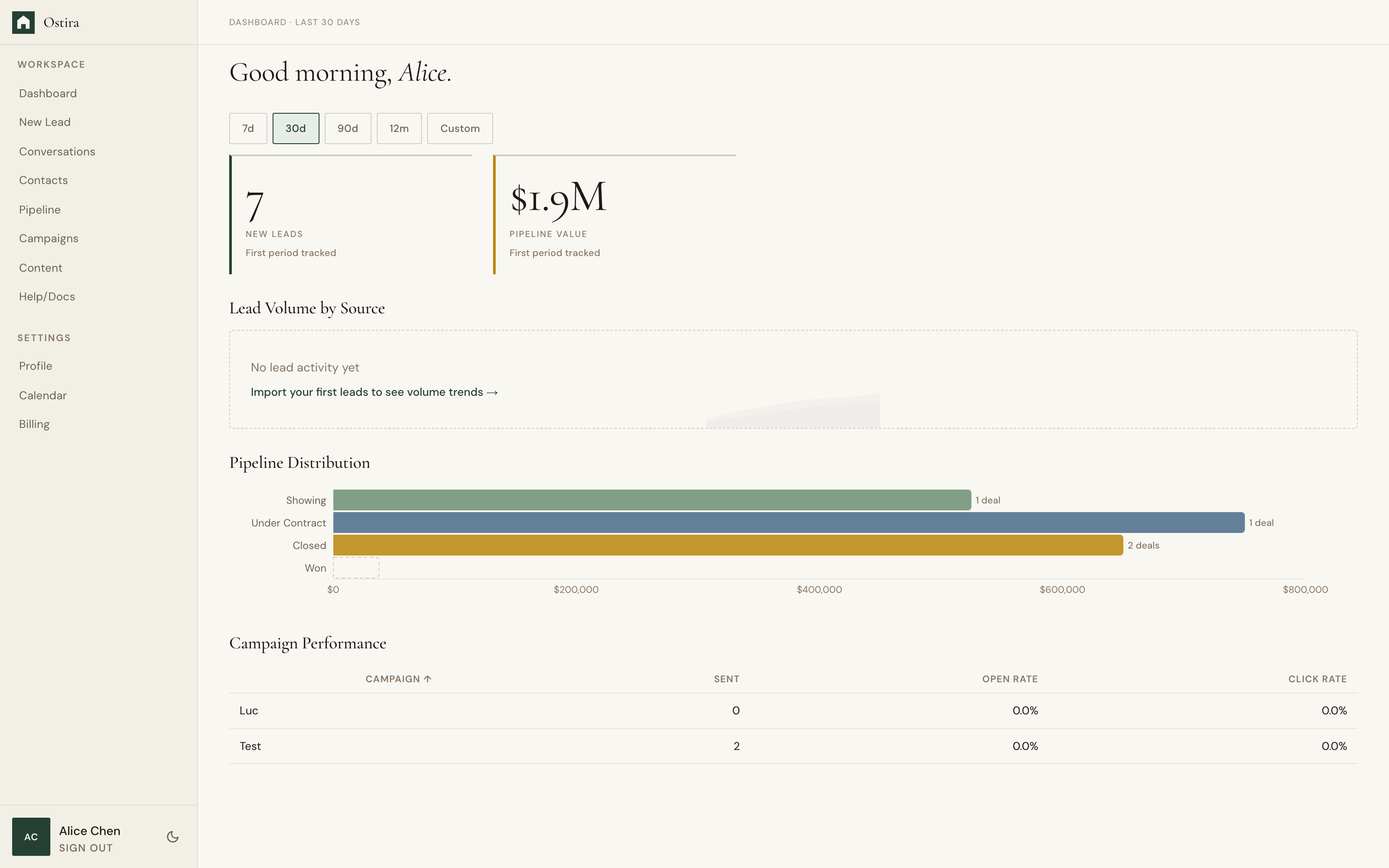
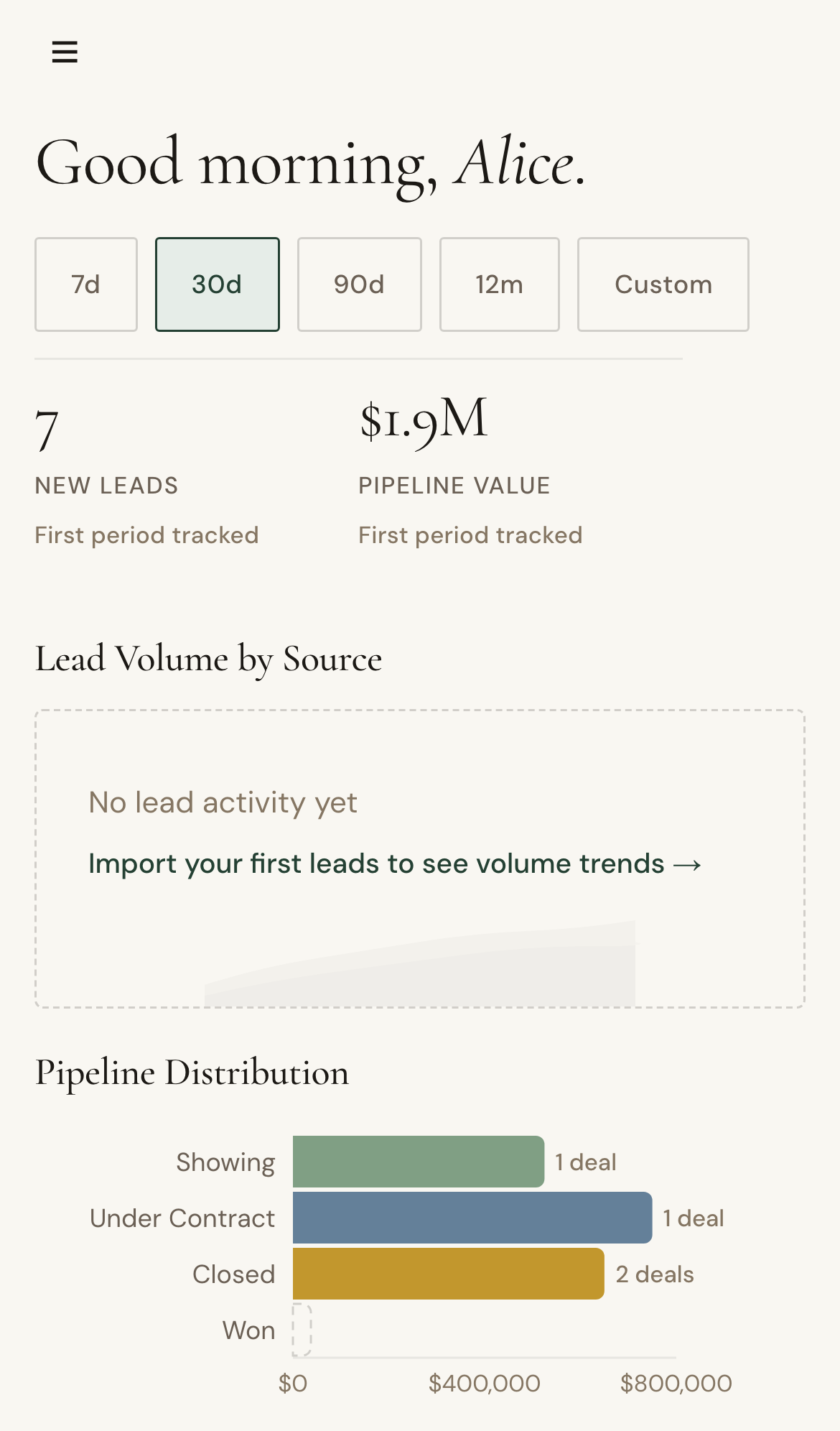
- Open Help/Docs from the sidebar or visit /help.
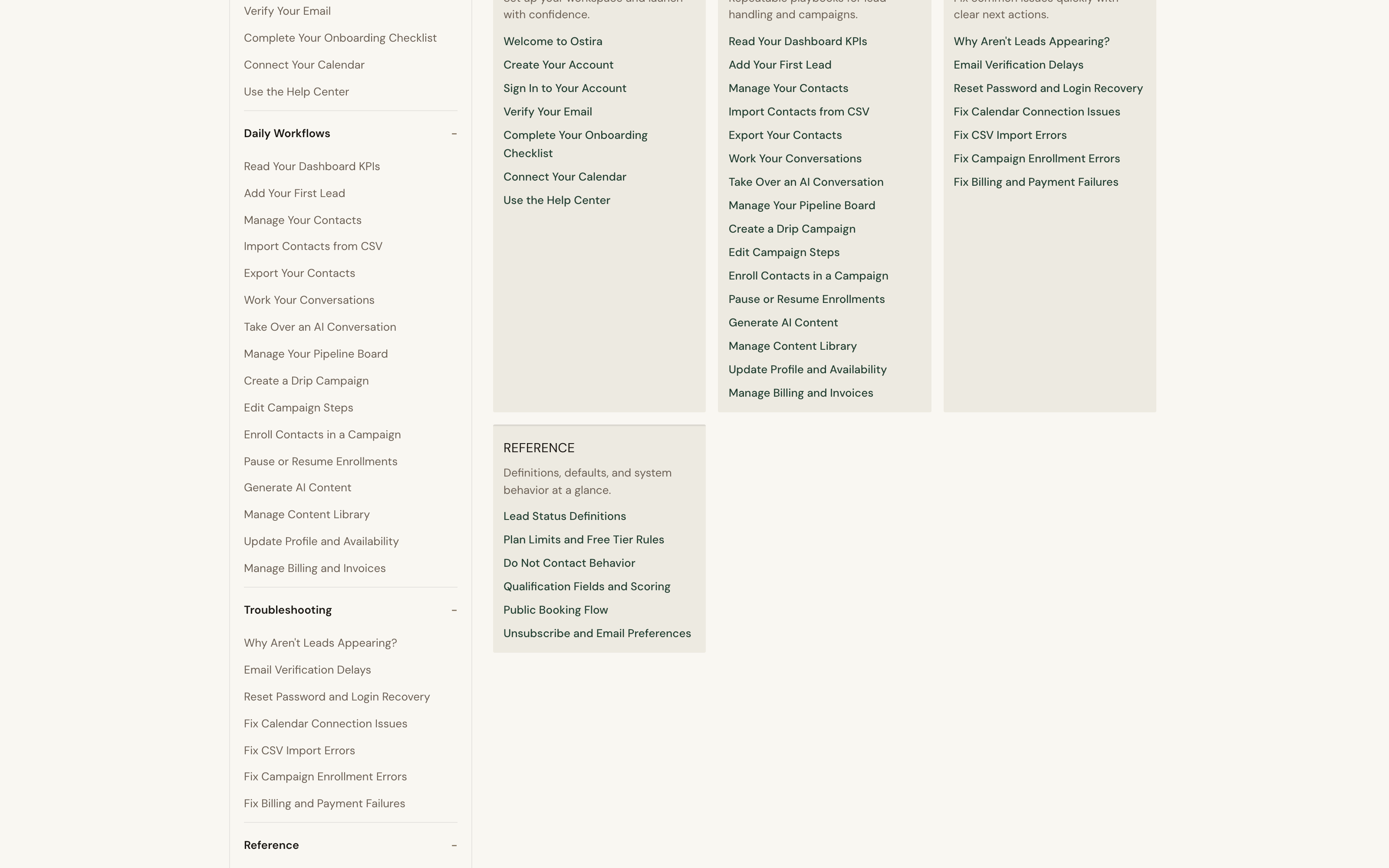
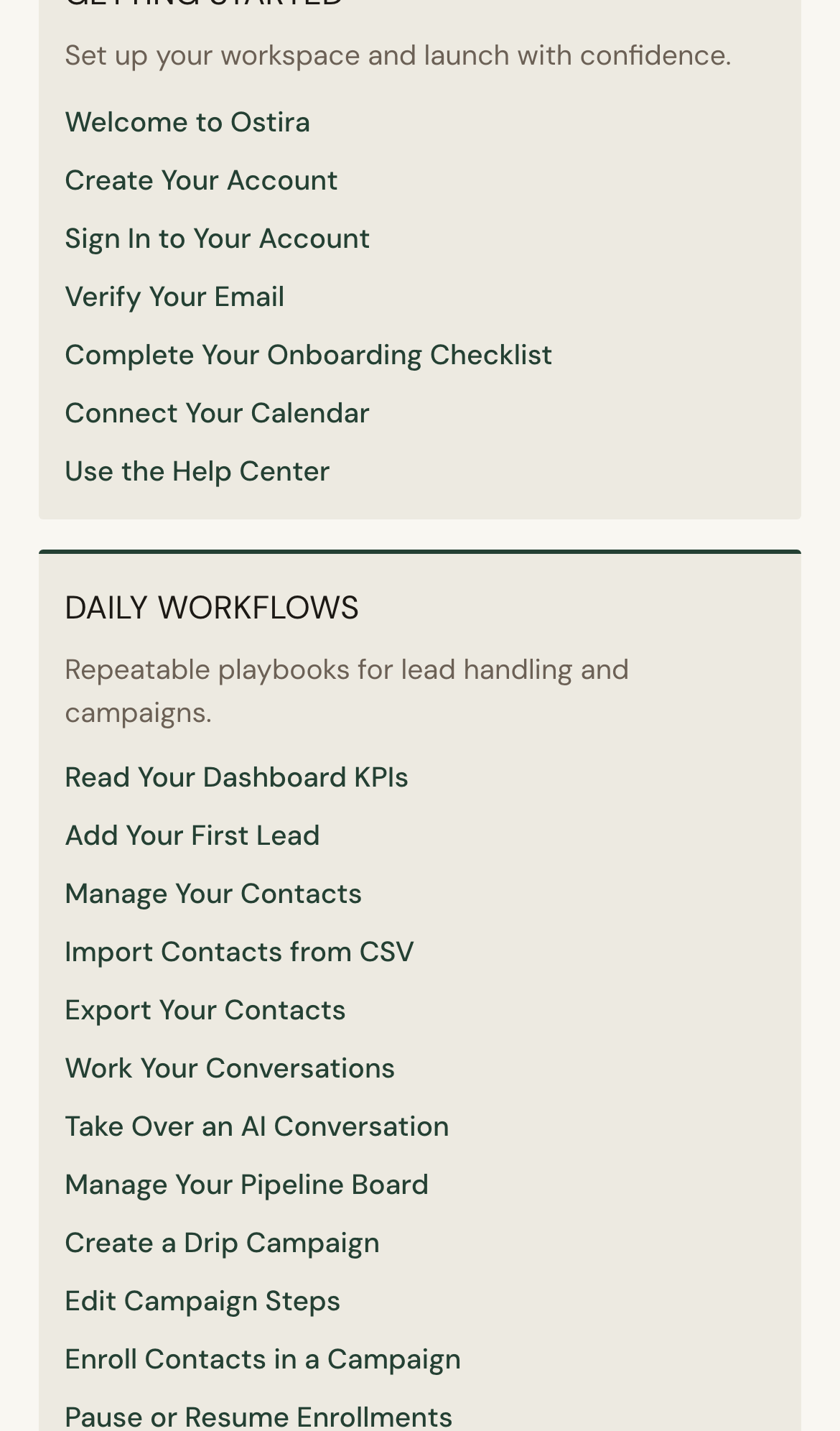
- Pick a section that matches your task.
- Follow article steps and troubleshooting guidance.
Expected Result
You can locate and apply docs guidance without workflow interruption.
Screenshots
Visual reference aligned to each step with desktop and mobile variants.
Step 1
Step 2
Troubleshooting
- If a topic is hard to find, check Troubleshooting and Reference sections.
- If guidance does not resolve the issue, use the support handoff CTA.