Getting Started
Connect Your Calendar
Summary
Connect your calendar so qualified conversations can transition directly into booked meetings.
Steps
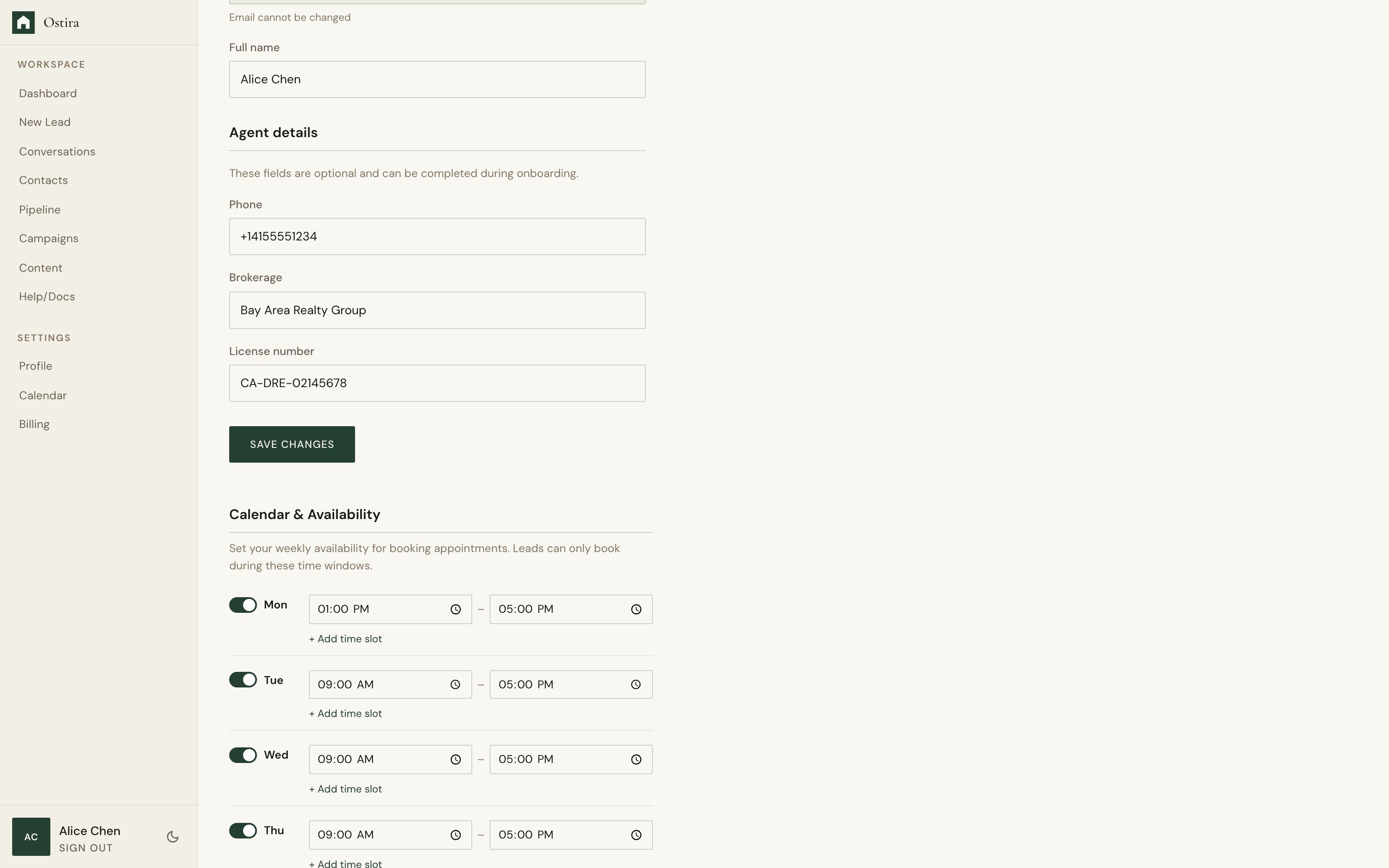
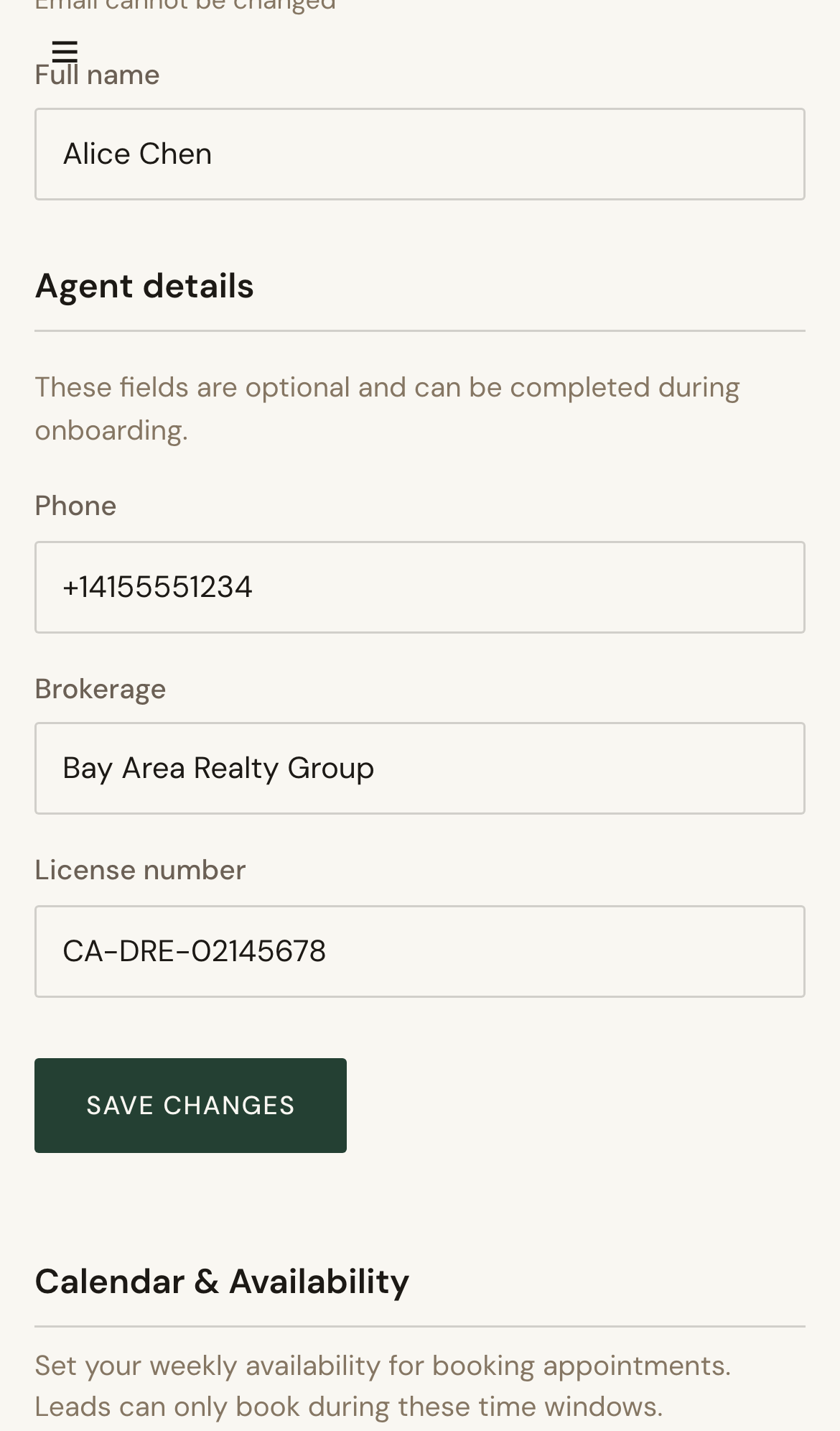
- Open Calendar in Settings.
- Select Connect and complete provider authorization.
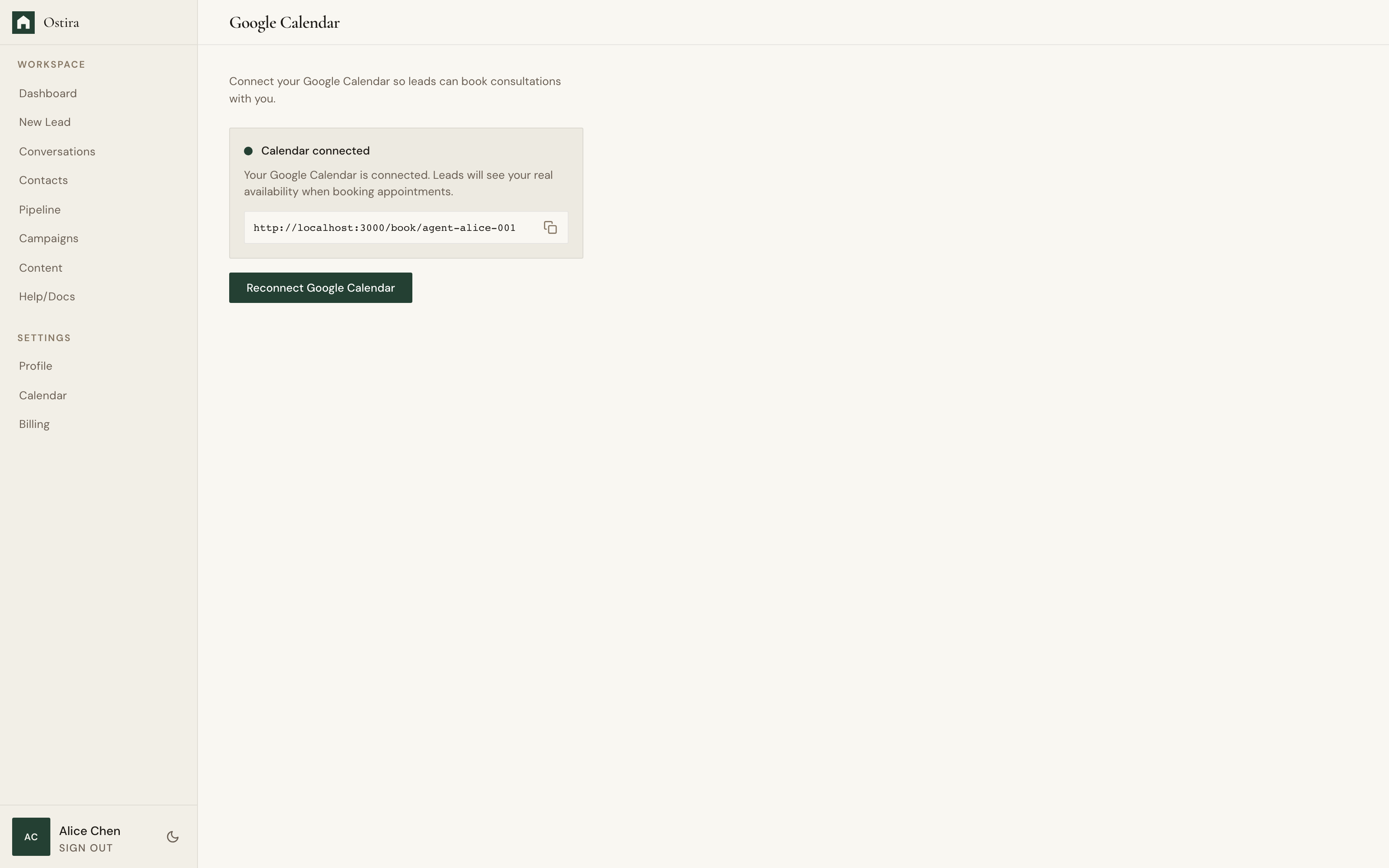
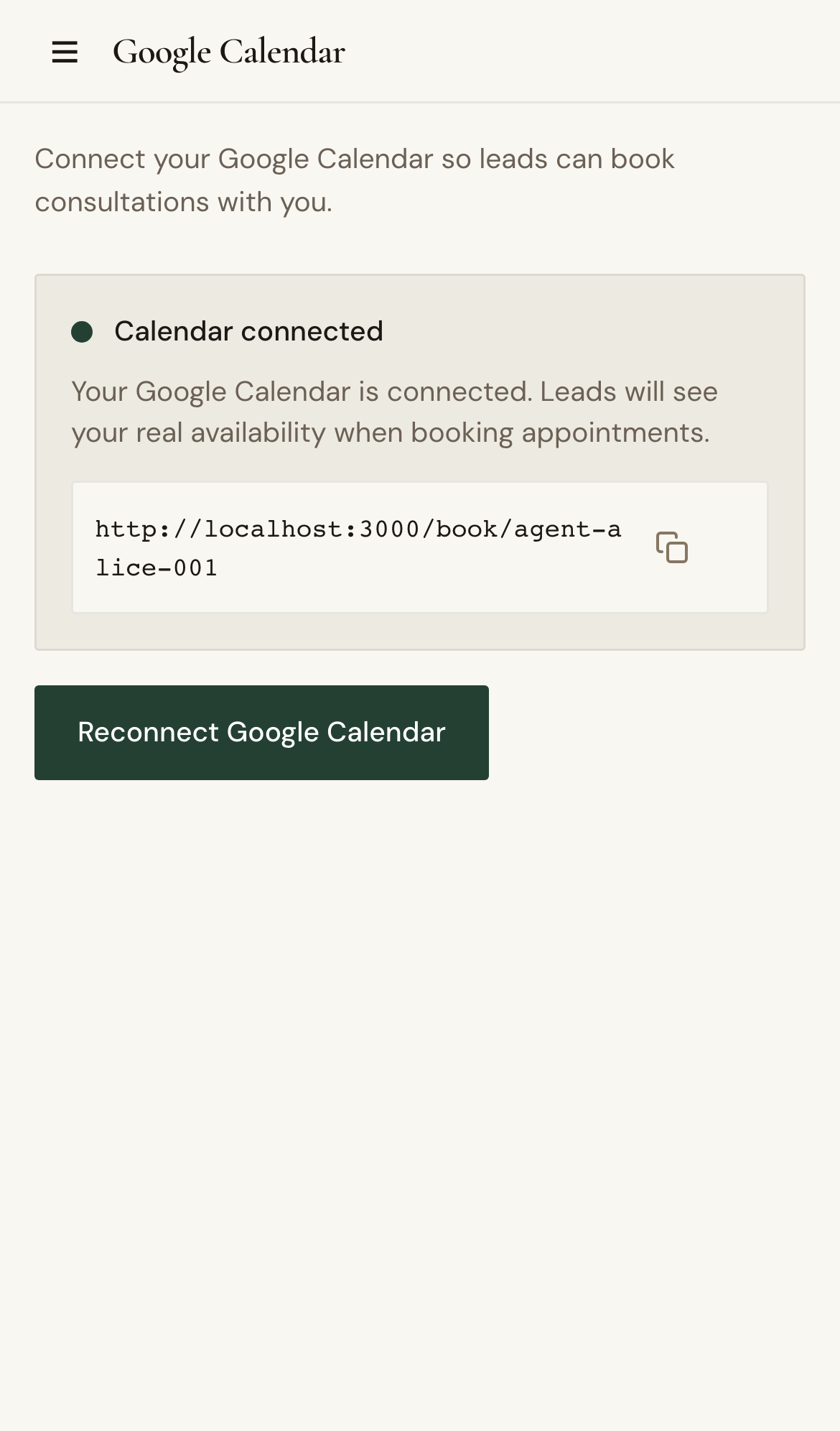
- Return to Calendar and confirm connected status.
Expected Result
Calendar is connected and scheduling flows can create appointments.
Screenshots
Visual reference aligned to each step with desktop and mobile variants.
Step 1
Step 2
Troubleshooting
- If authorization fails, allow pop-ups and retry.
- If status stays disconnected, refresh and reconnect.