Daily Workflows
Manage Billing and Invoices
Summary
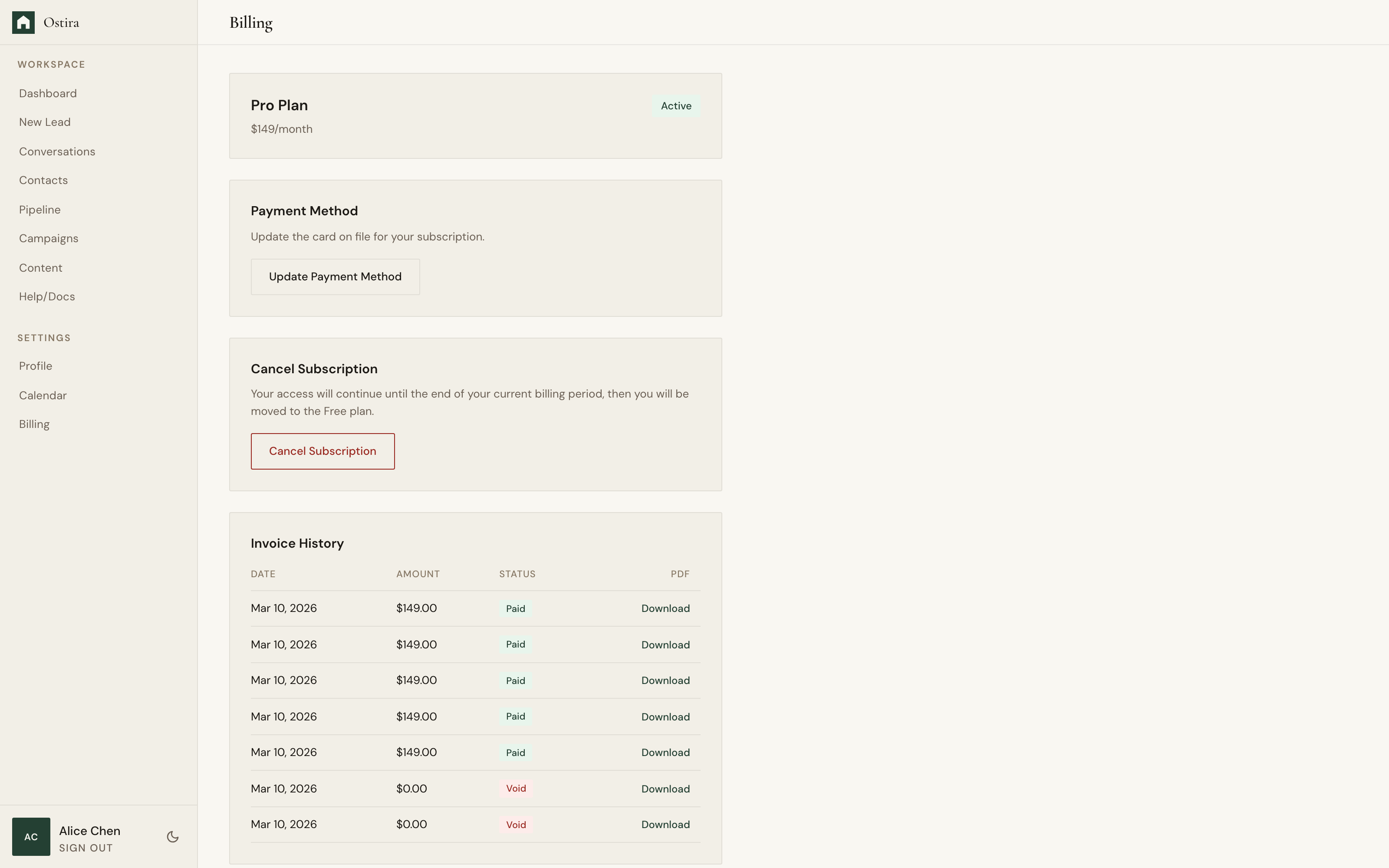
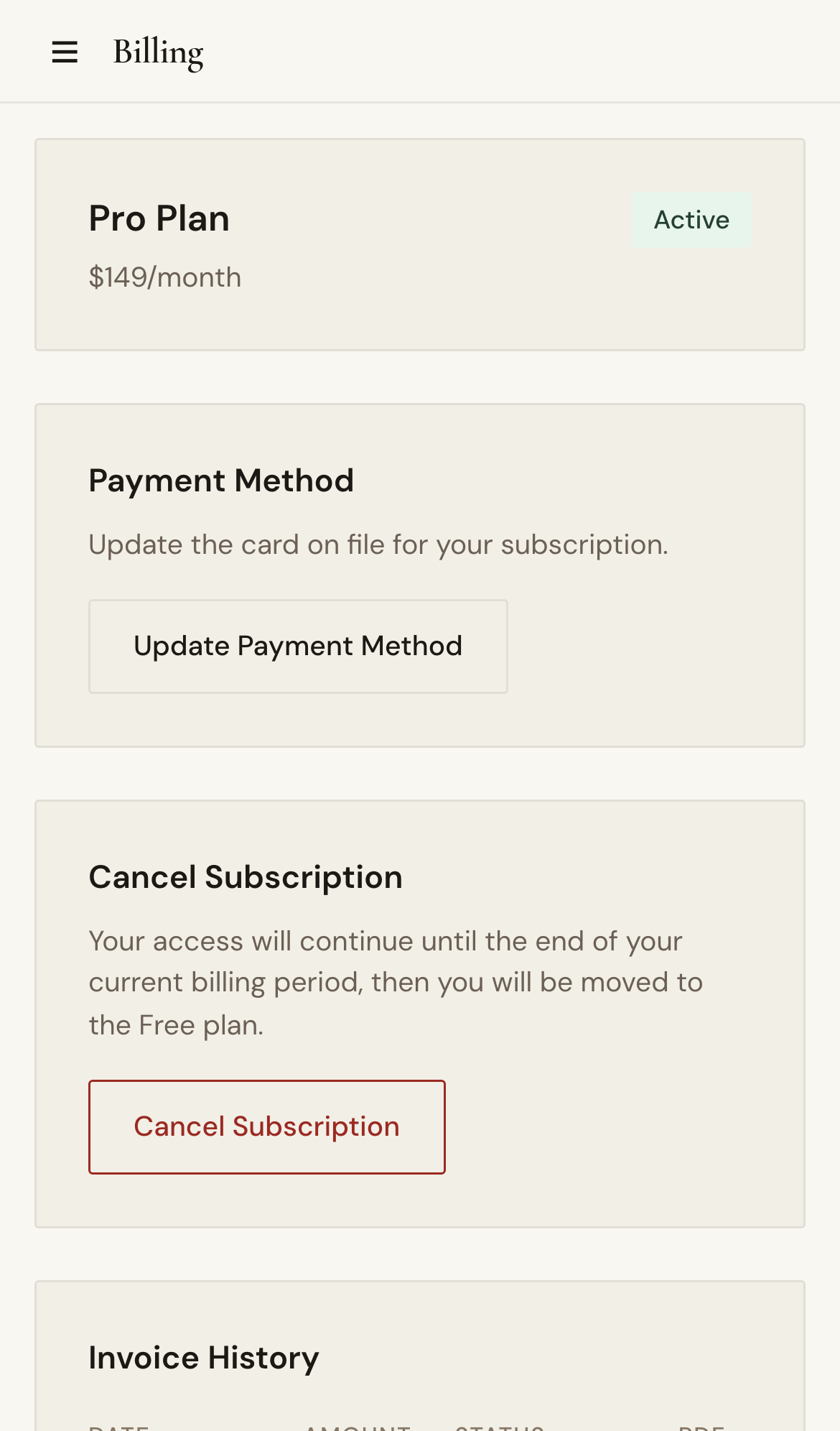
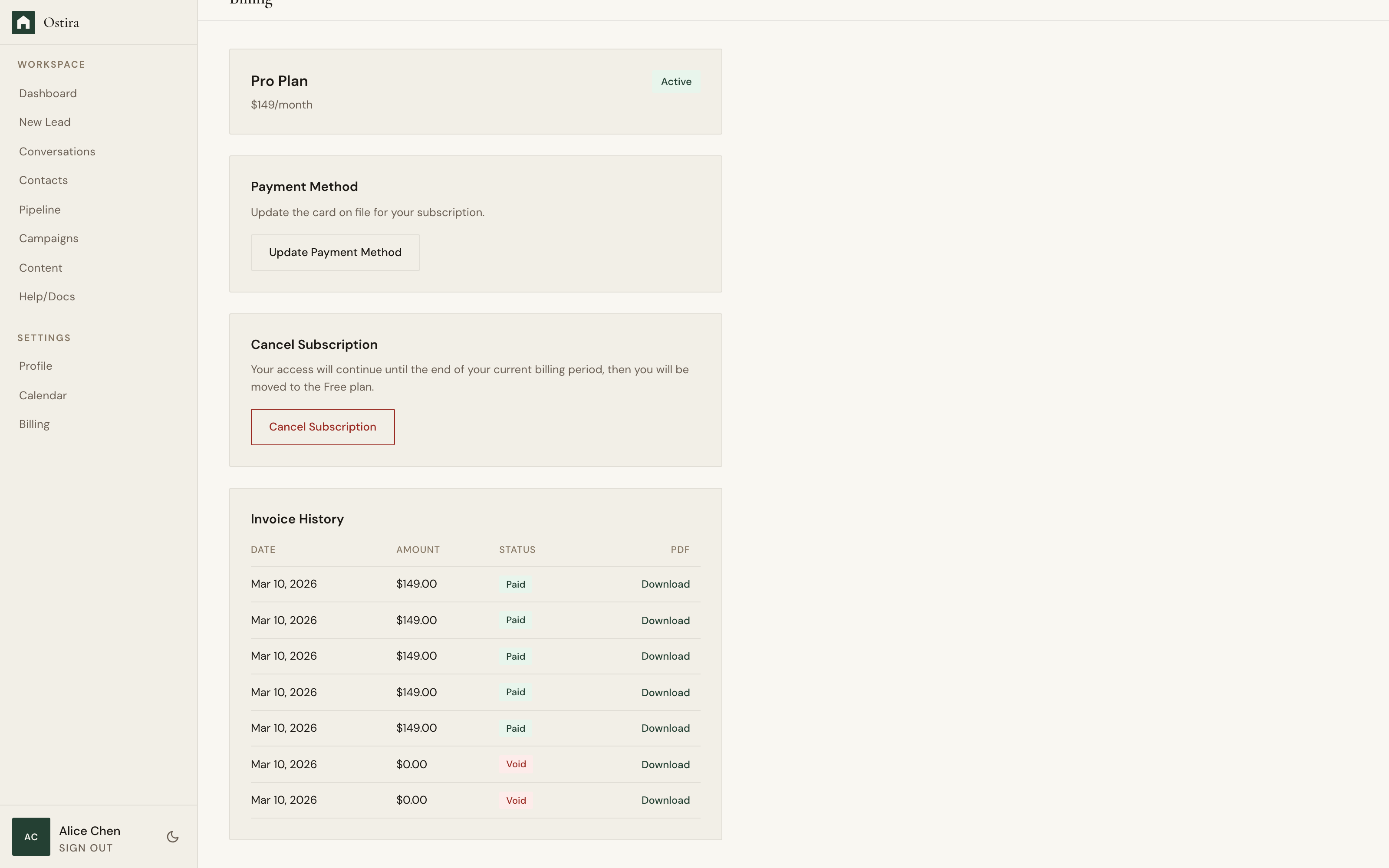
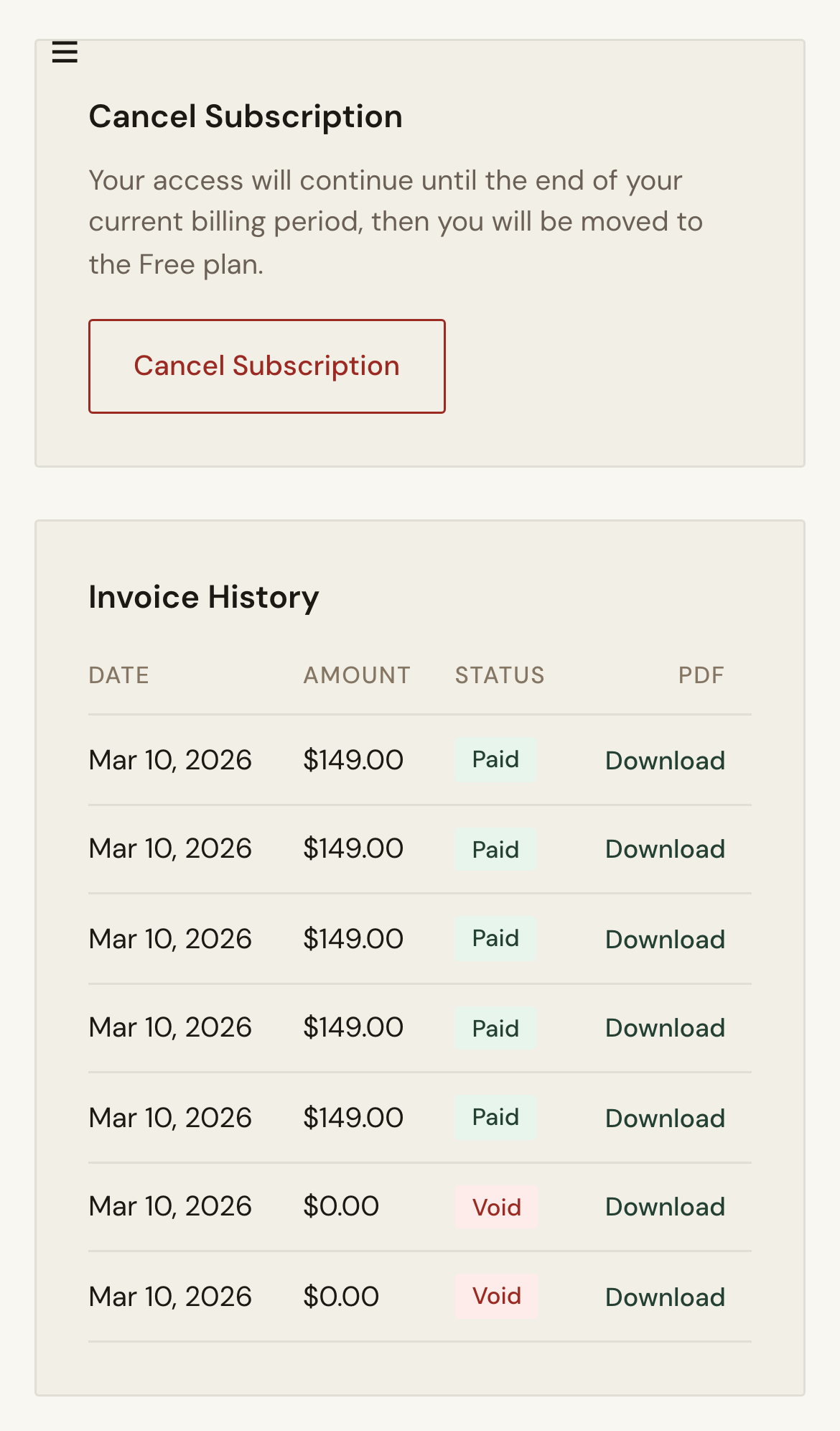
Manage plan status, payment setup, and invoice history from one billing workspace.
Steps
- Open Billing and review subscription status.
- Update payment method if needed.
- Review invoice history for recent charges.
Expected Result
Subscription and billing records stay current and accessible.
Screenshots
Visual reference aligned to each step with desktop and mobile variants.
Step 1
Step 2
Troubleshooting
- If payment update fails, verify card details and retry.
- If invoices are missing, refresh and confirm account context.