Daily Workflows
Add Your First Lead
Summary
Manually create a lead when you need immediate follow-up before imports are configured.
Steps
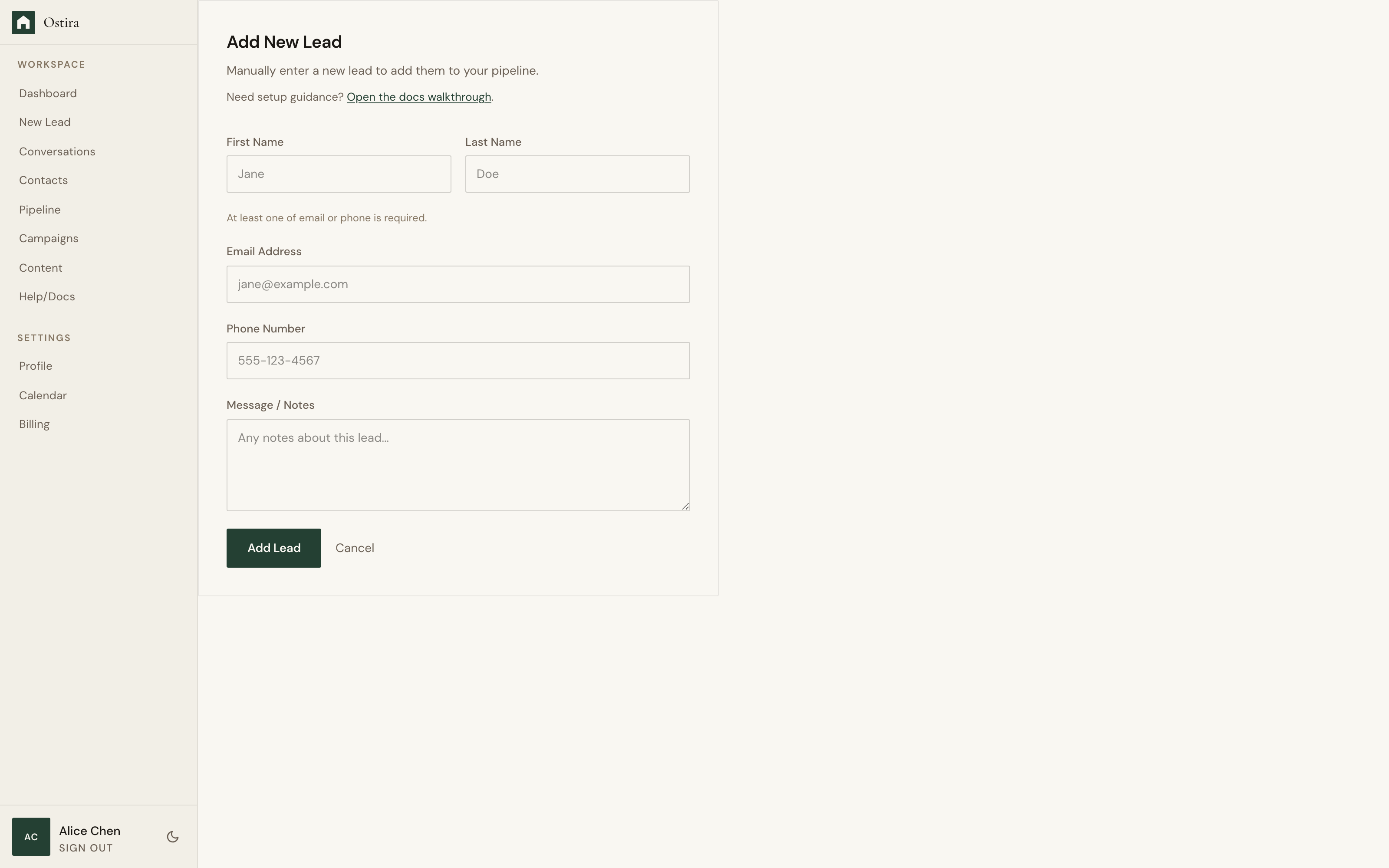
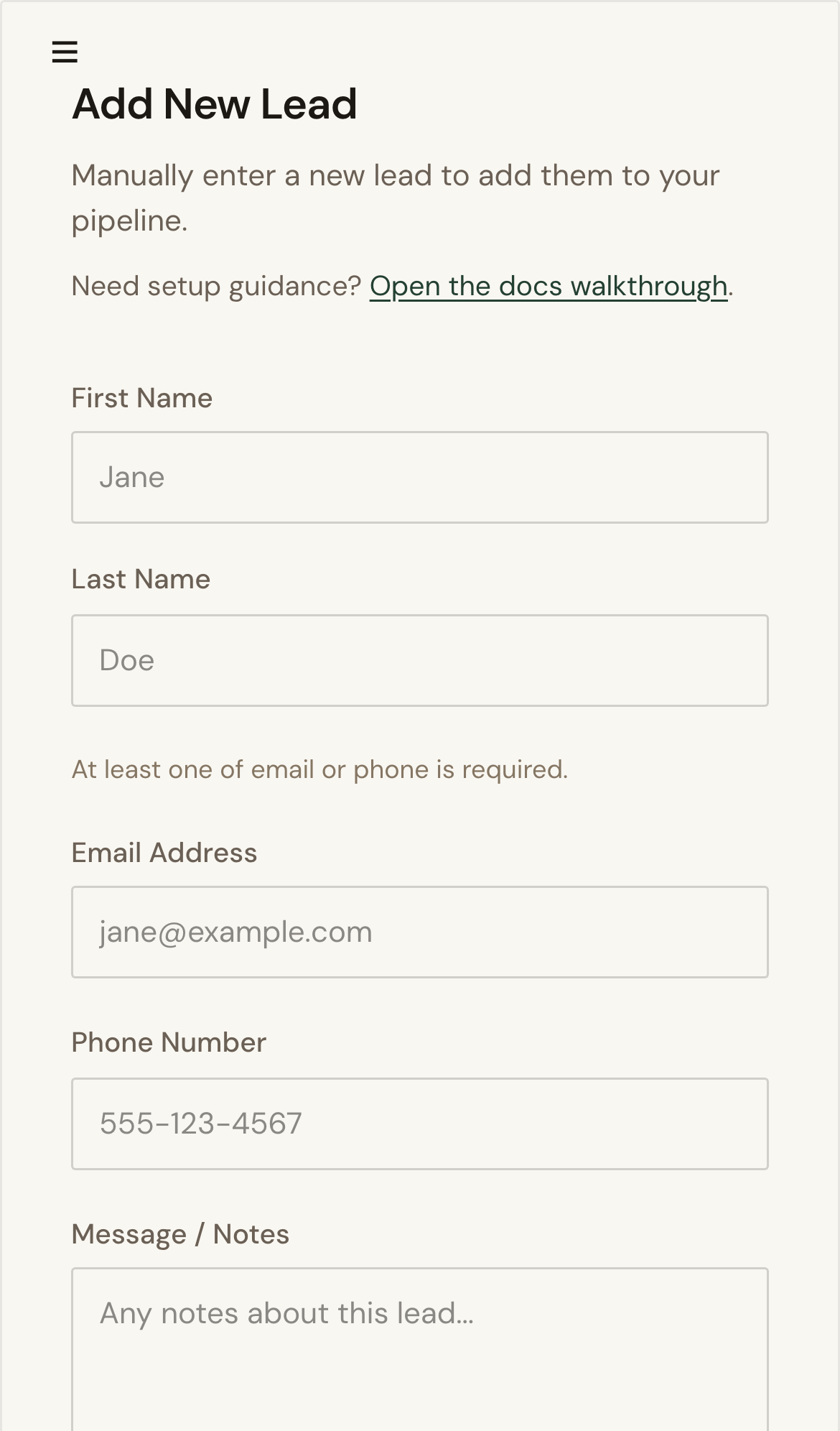
- Open New Lead from the sidebar.
- Enter name details and at least one contact method.
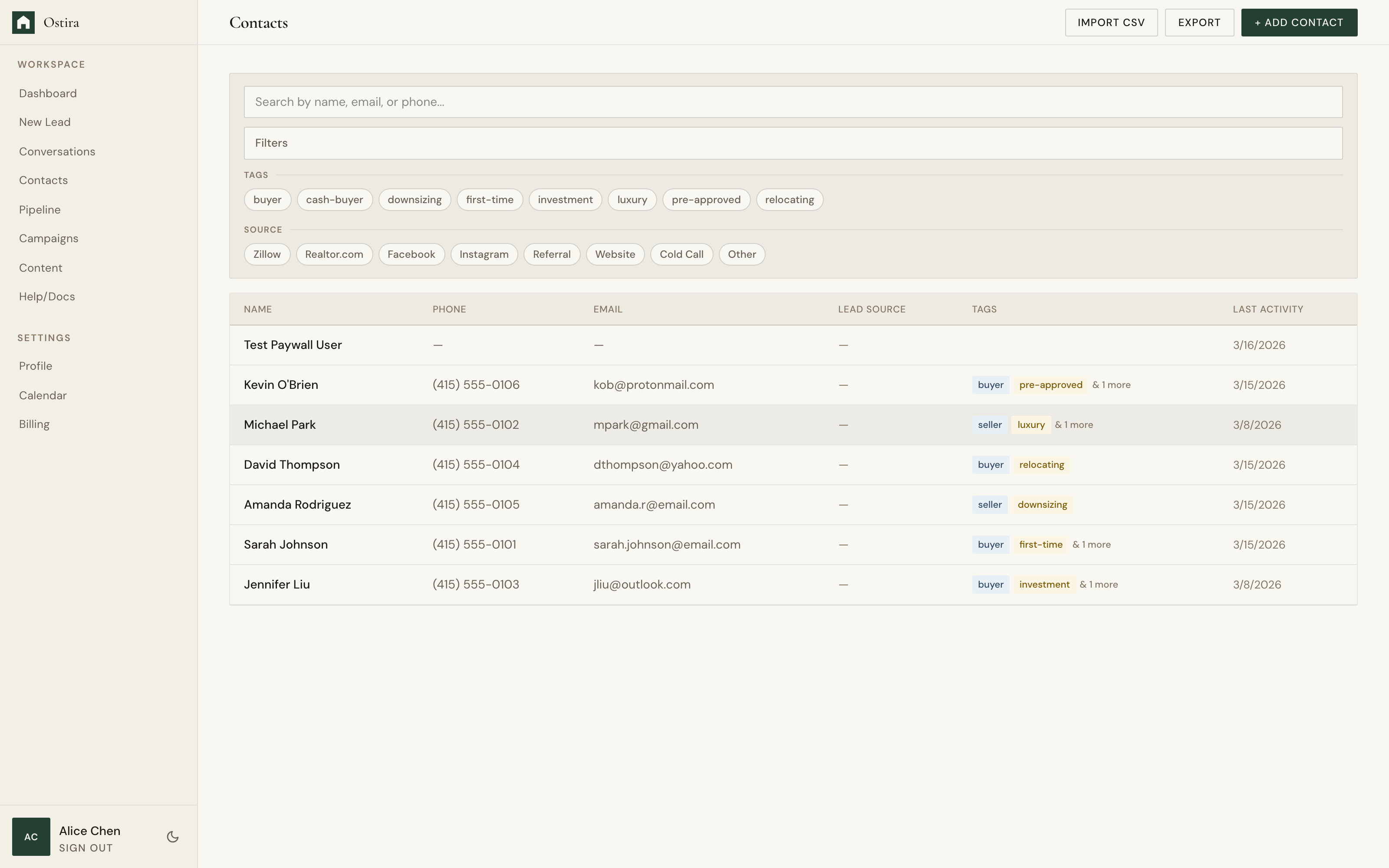
- Submit and confirm success links to Contacts.
Expected Result
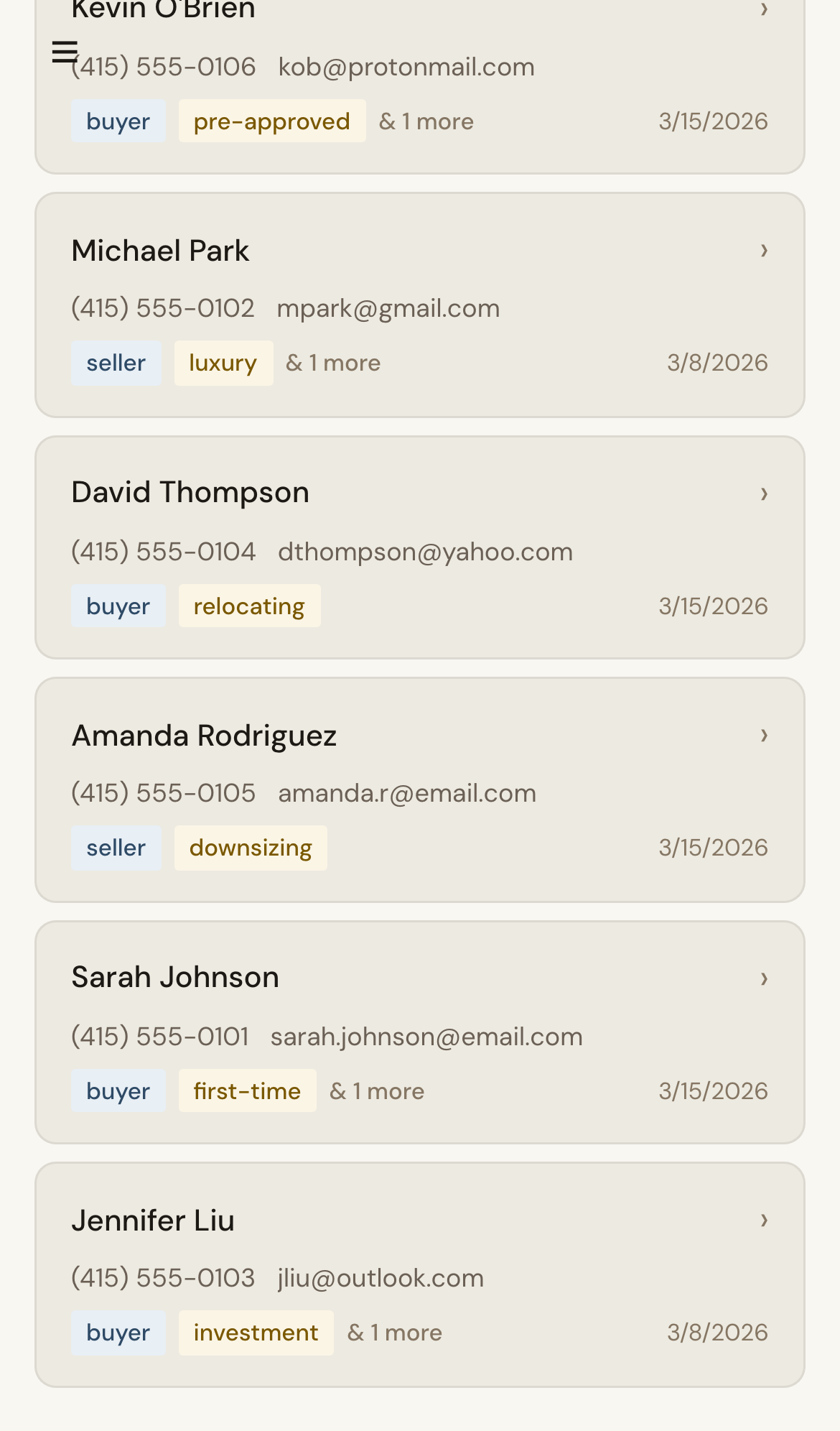
Lead appears in Contacts and is ready for follow-up workflows.
Screenshots
Visual reference aligned to each step with desktop and mobile variants.
Step 1
Step 2
Troubleshooting
- If submission fails, verify email or phone formats.
- If network errors appear, retry after checking connectivity.