Daily Workflows
Take Over an AI Conversation
Summary
Switch to human handling when nuance, urgency, or escalation requires direct outreach.
Steps
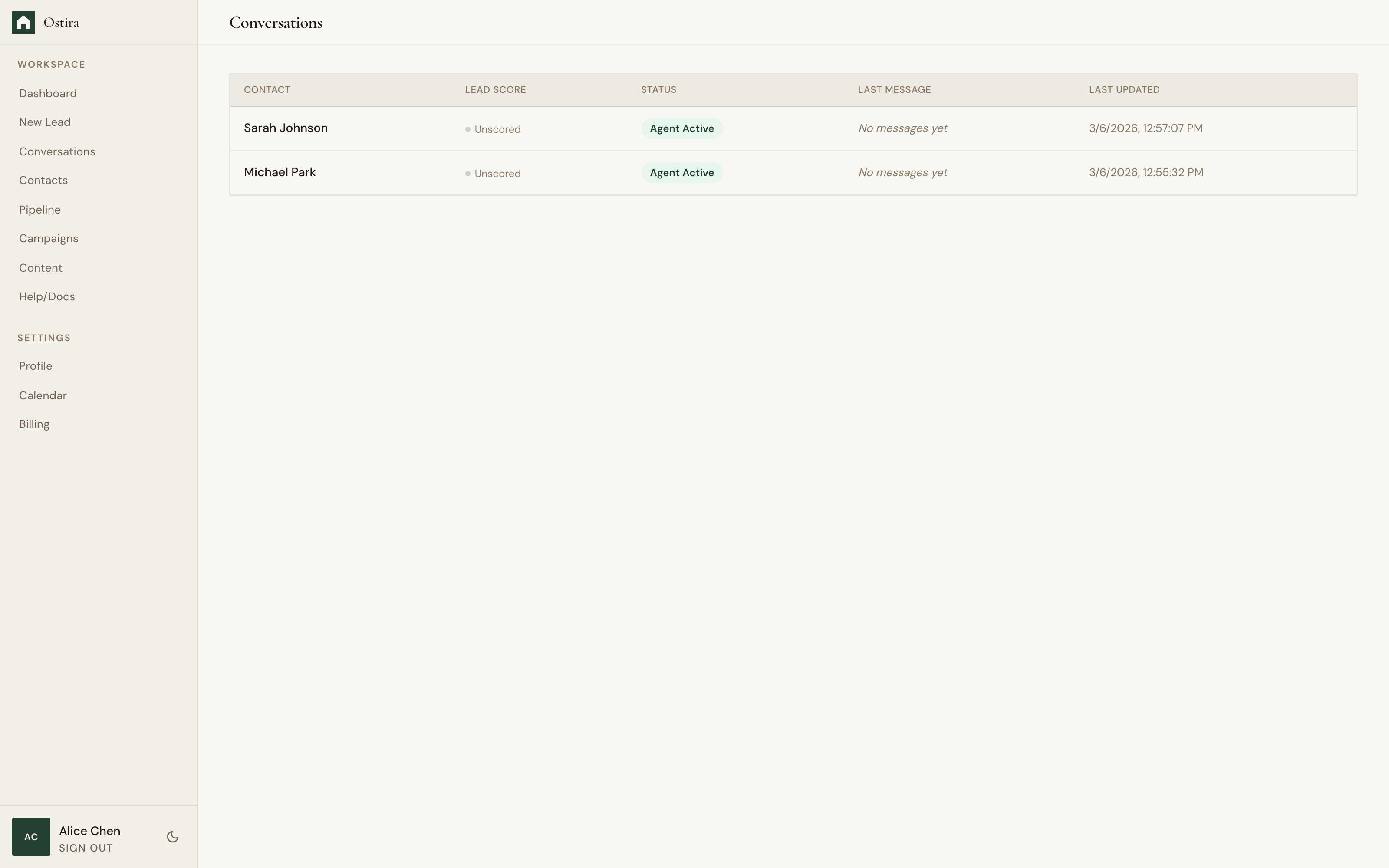
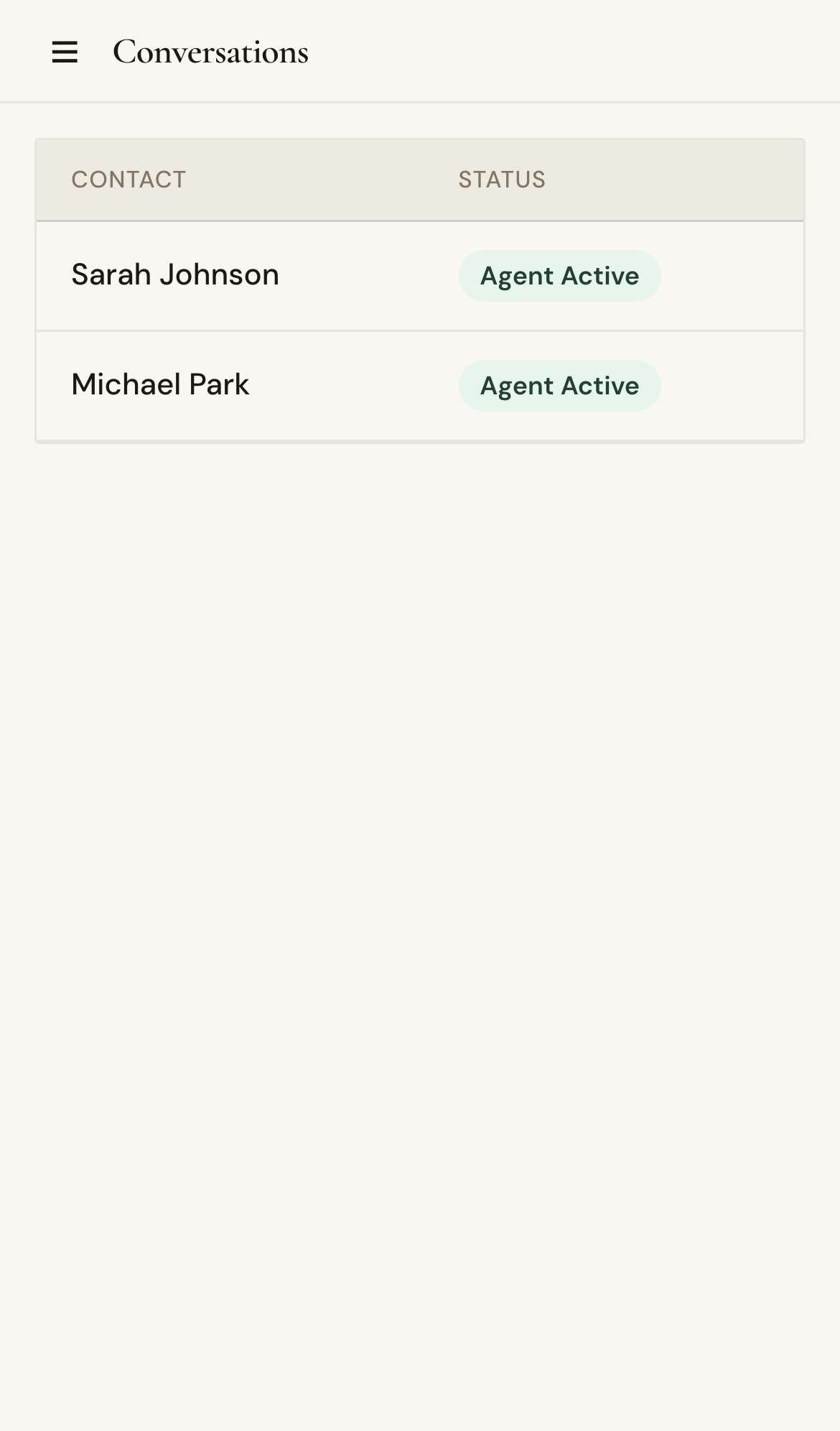
- Open a conversation detail page.
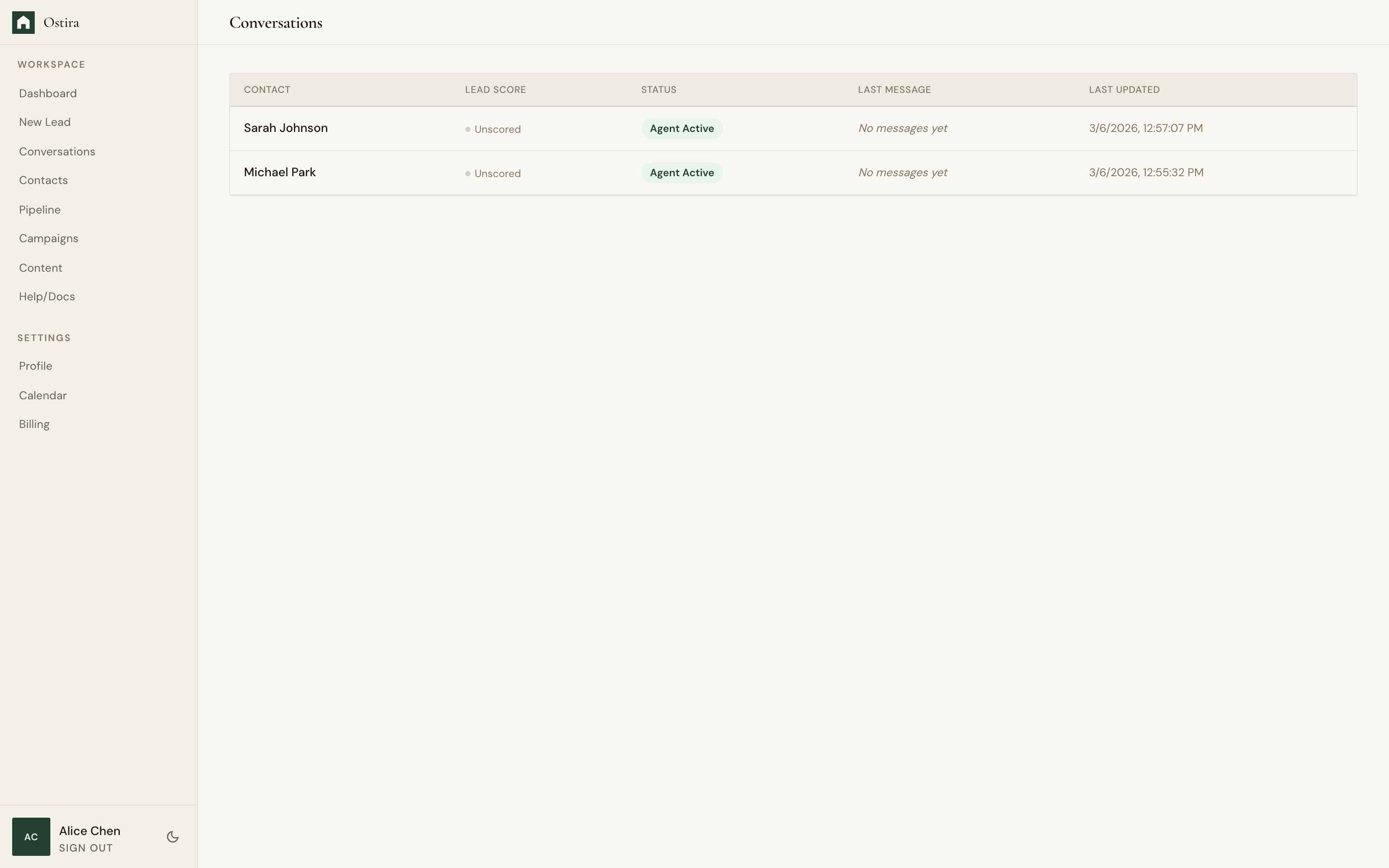
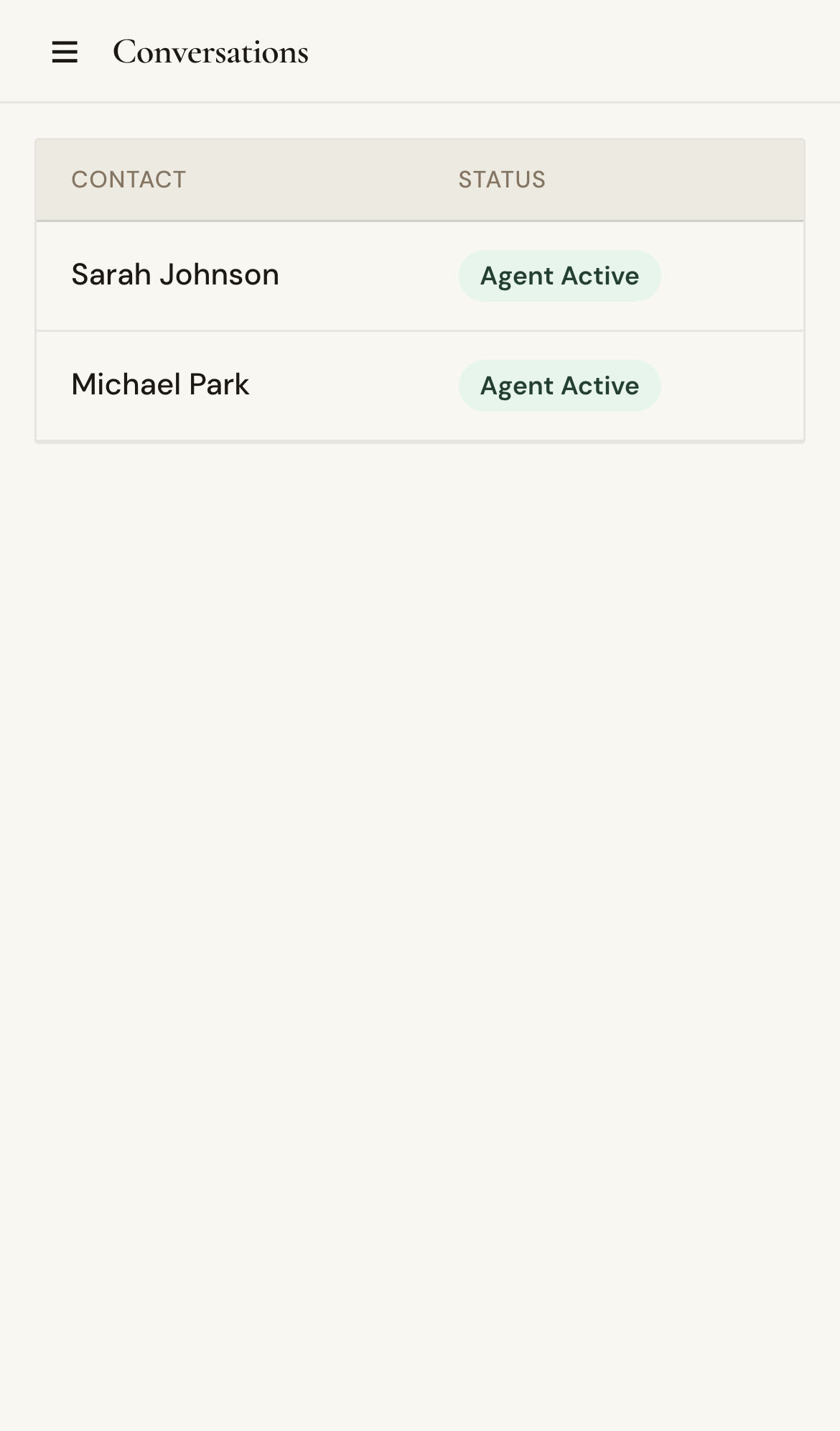
- Review transcript and qualification context.
- Take over and send your direct response.
Expected Result
Conversation reflects manual intervention and continues with human-led follow-up.
Screenshots
Visual reference aligned to each step with desktop and mobile variants.
Step 1
Step 2
Troubleshooting
- If controls are unavailable, refresh and confirm active session.
- If status does not update, reload and retry once.