Getting Started

Create Your Account

Summary

Create your account and complete verification so you can access the workspace securely.

Steps

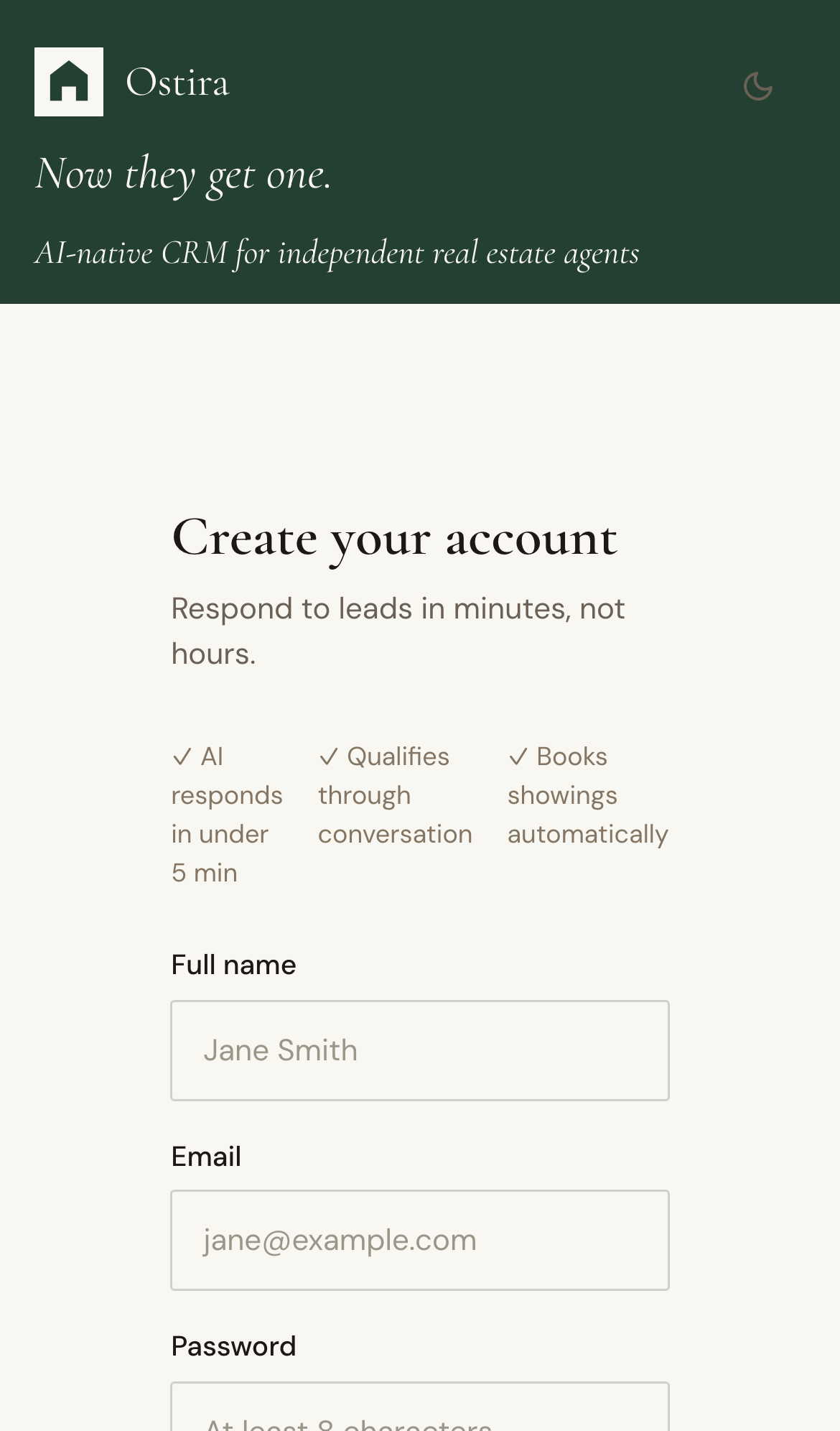
  1. Open Sign Up and enter your name, email, and password.
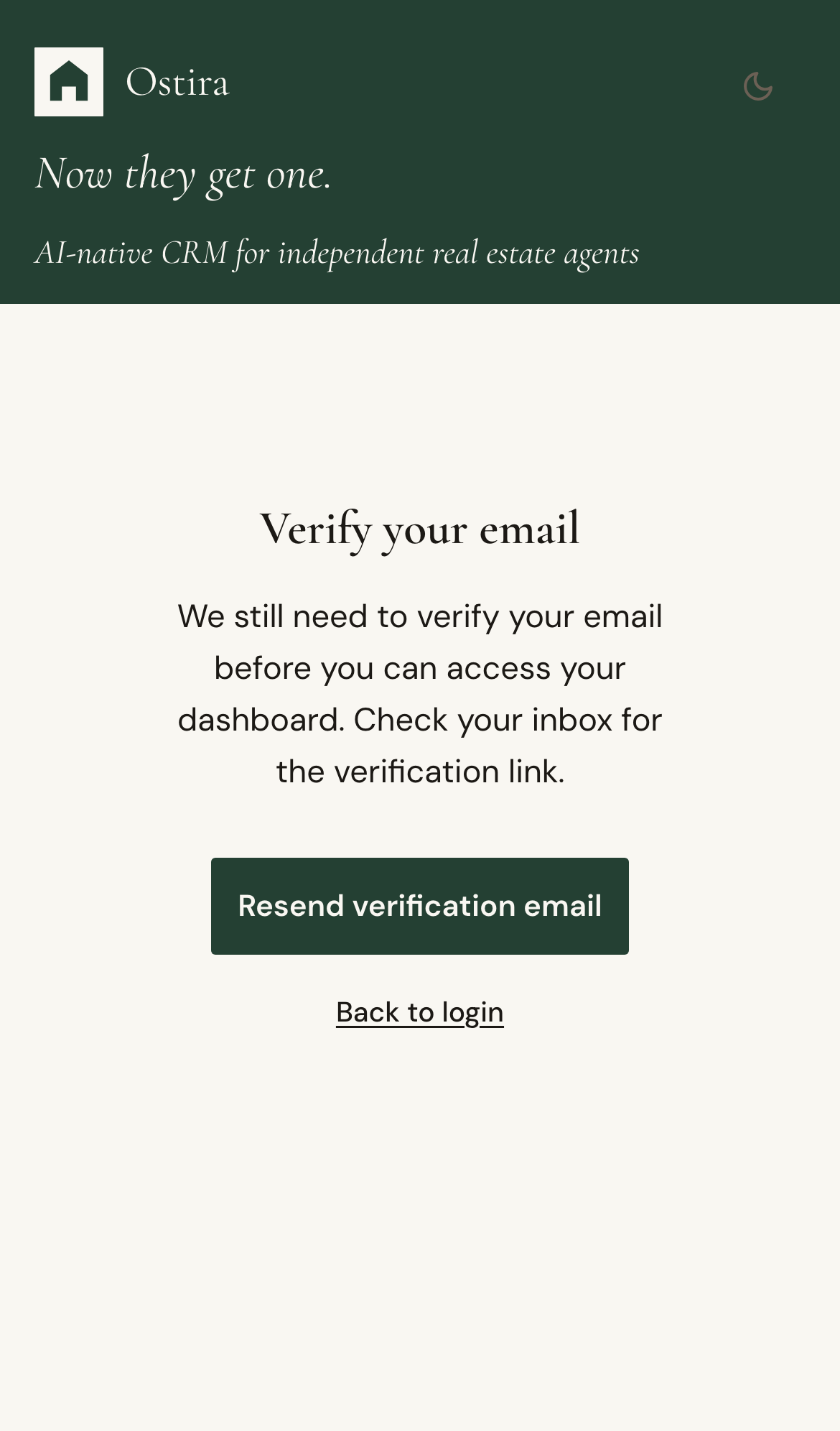
  2. Submit the form and open the verification email.
  3. Verify your account, then continue to sign in.

Expected Result

Your account is active and ready for onboarding and daily workflows.

Screenshots

Visual reference aligned to each step with desktop and mobile variants.

Step 1
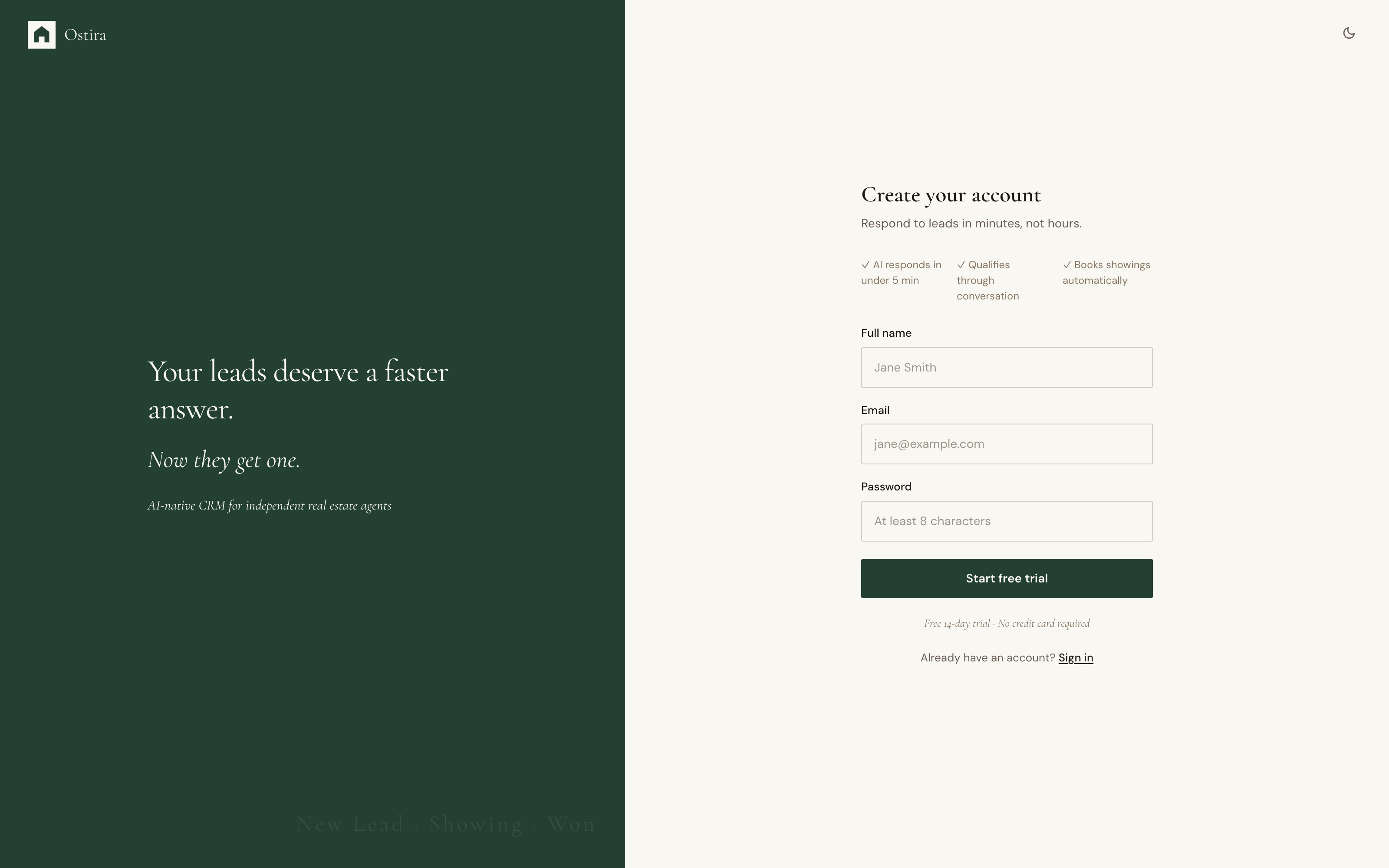
Desktop screenshot for Create Your Account: Open Sign Up and enter your name, email, and password.
desktop Open Sign Up and enter your name, email, and password.
Mobile screenshot for Create Your Account: Open Sign Up and enter your name, email, and password.
mobile Open Sign Up and enter your name, email, and password.

Step 2

Desktop screenshot for Create Your Account: Submit the form and open the verification email.
desktop Submit the form and open the verification email.
Mobile screenshot for Create Your Account: Submit the form and open the verification email.
mobile Submit the form and open the verification email.

Troubleshooting

  • If signup fails, verify email format and password rules.
  • If verification email is missing, check spam and resend once.