Daily Workflows
Generate AI Content
Summary
Generate listing, social, and email drafts quickly using AI-assisted content workflows.
Steps
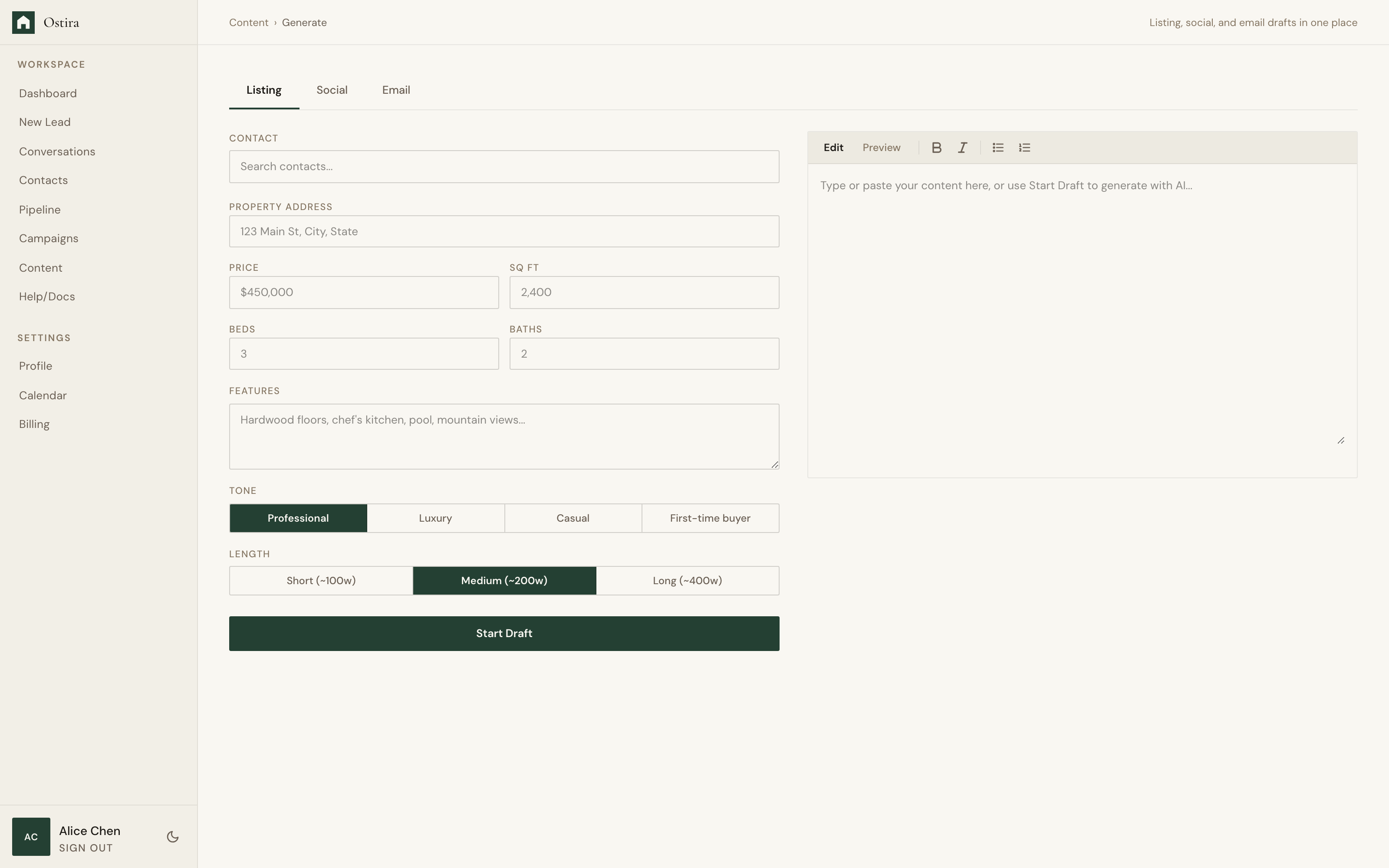
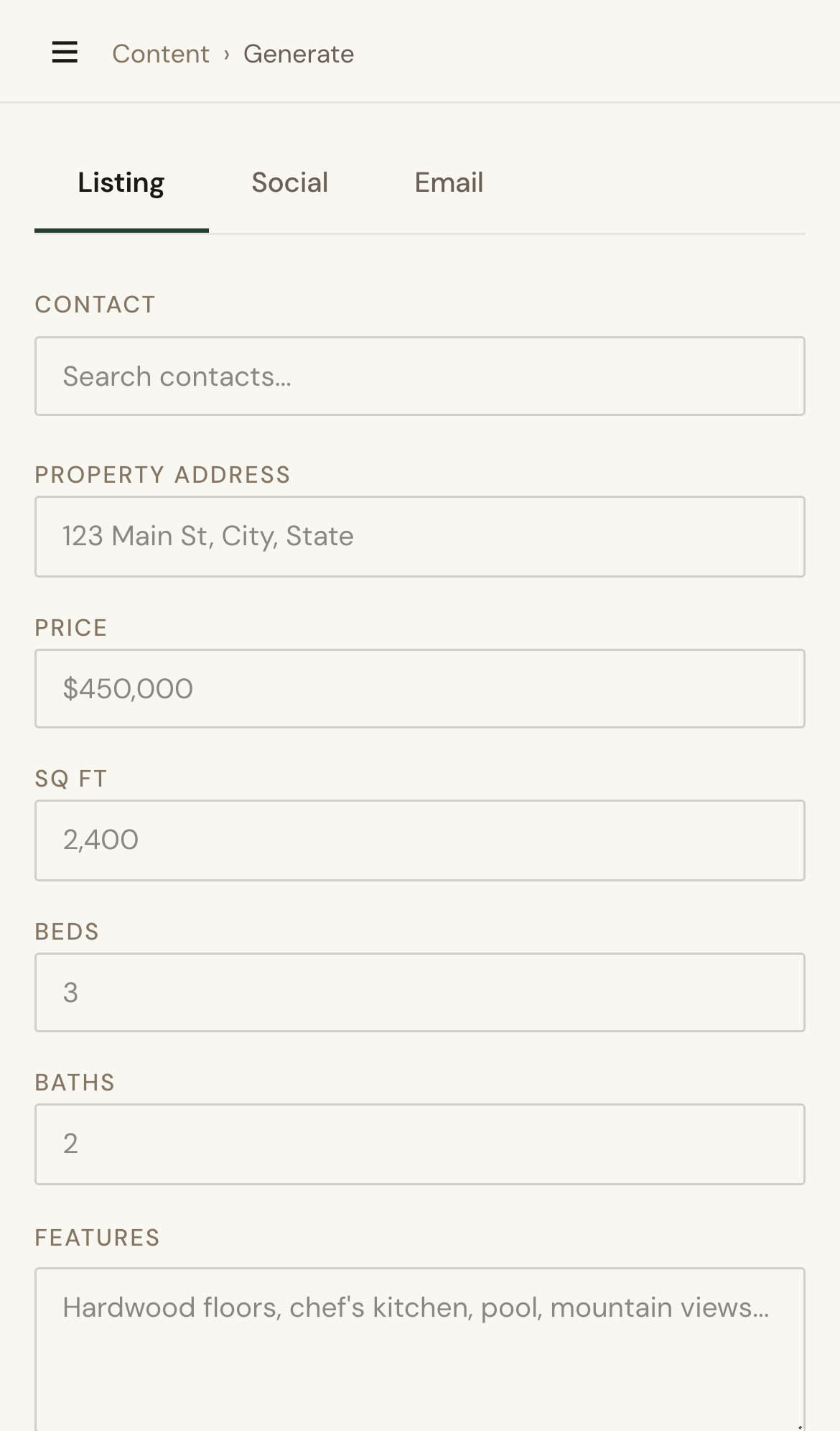
- Open Content Generate and choose a content type.
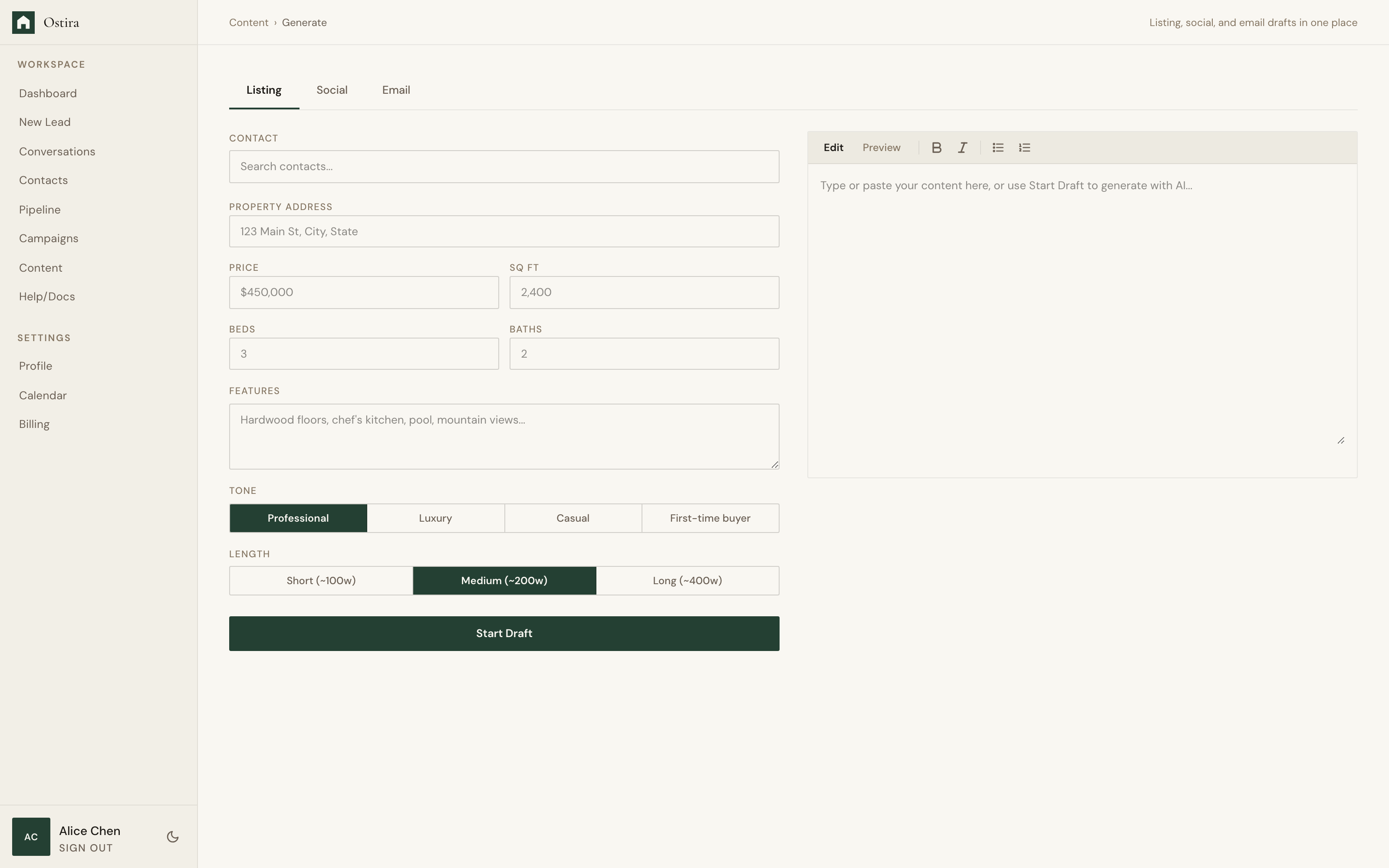
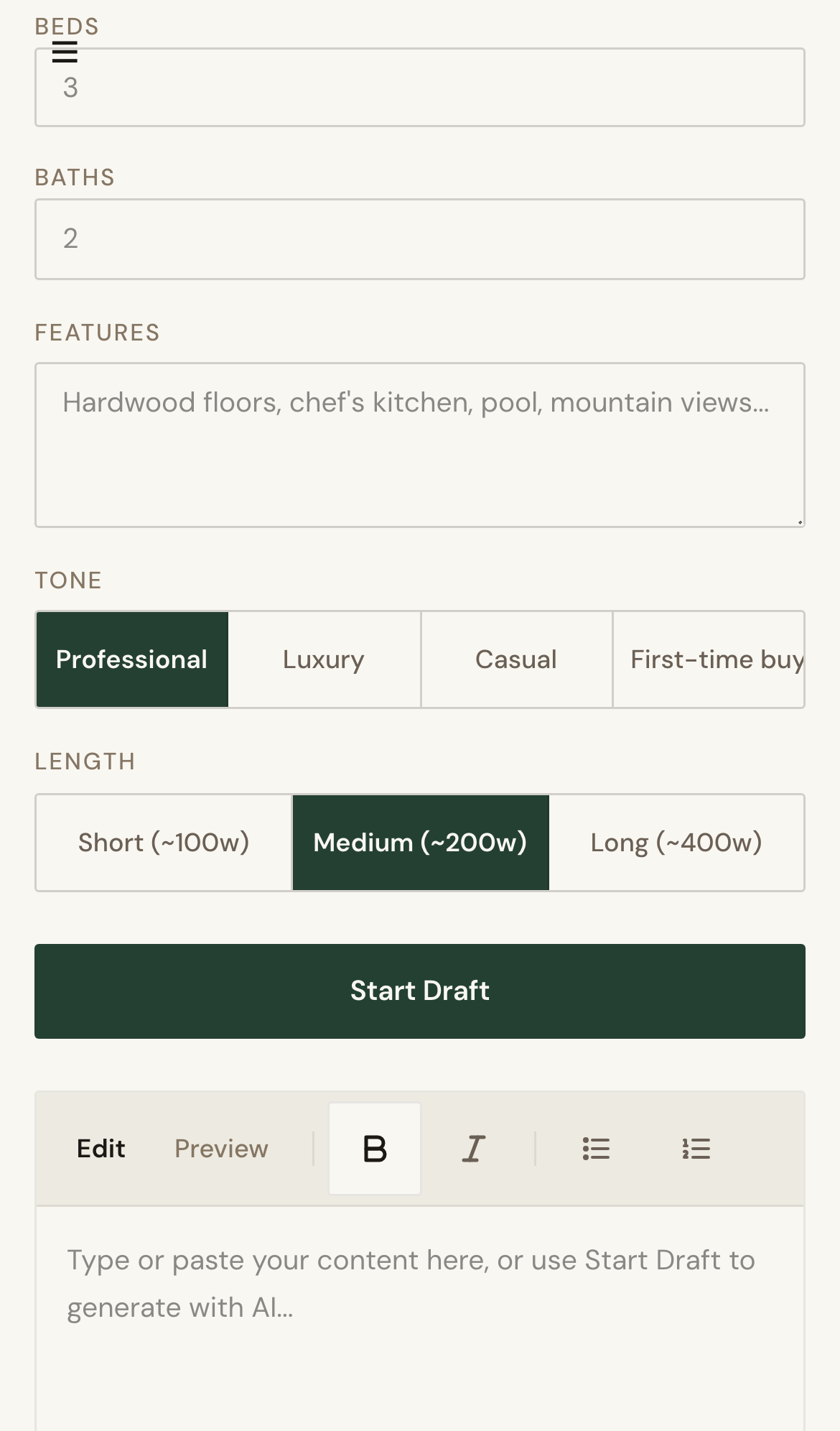
- Enter required context and run generation.
- Review output, edit, and save to library.
Expected Result
You produce reusable, editable drafts ready for campaigns and outreach.
Screenshots
Visual reference aligned to each step with desktop and mobile variants.
Step 1
Step 2
Troubleshooting
- If generation fails, retry with complete required input.
- If output quality is low, refine prompt context and regenerate.
Tips & Tricks
- Reuse top-performing prompts as templates.
- Keep input concise for cleaner output.