Daily Workflows
Export Your Contacts
Summary
Export filtered or full contact datasets for reporting, backup, and downstream workflows.
Steps
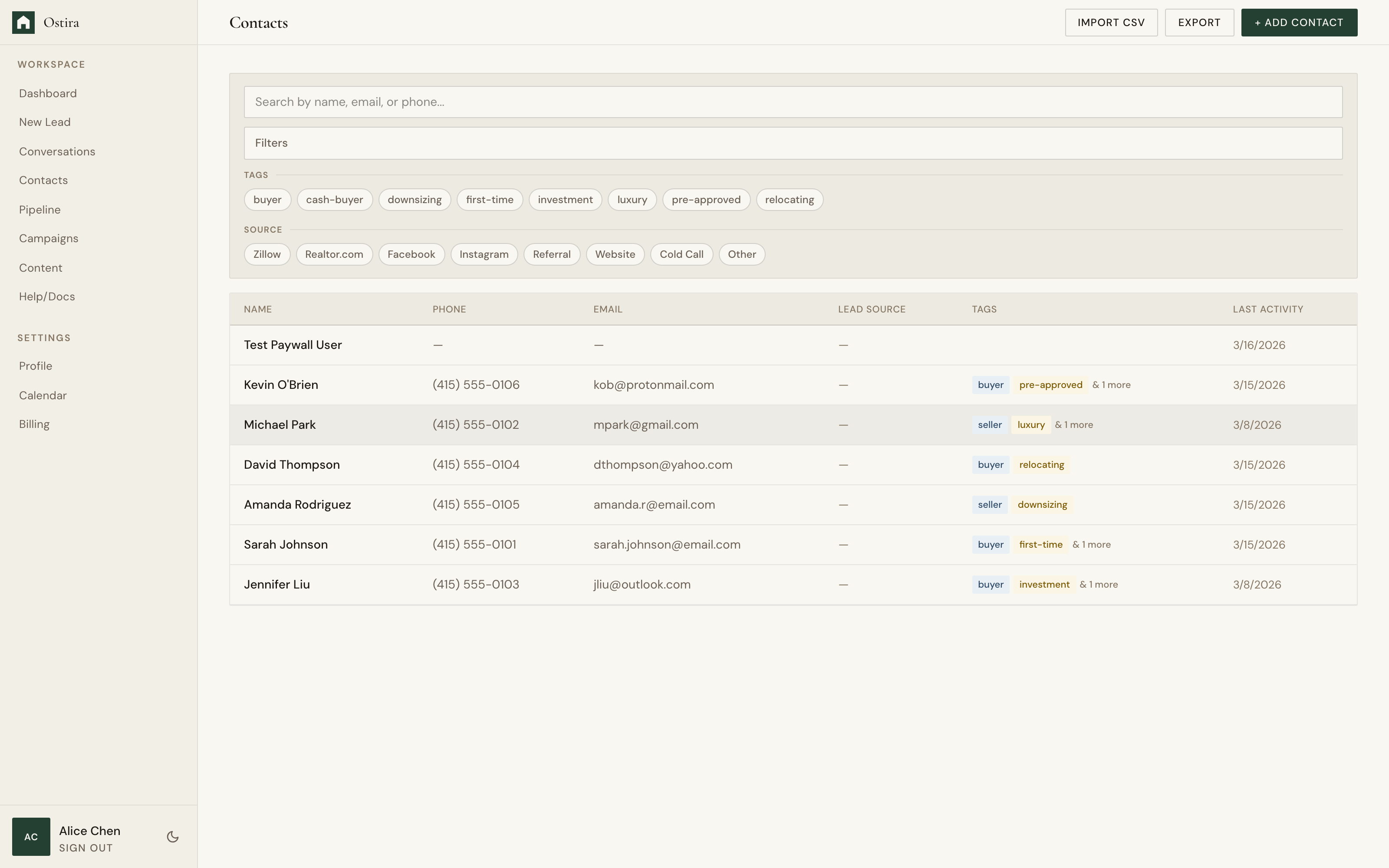
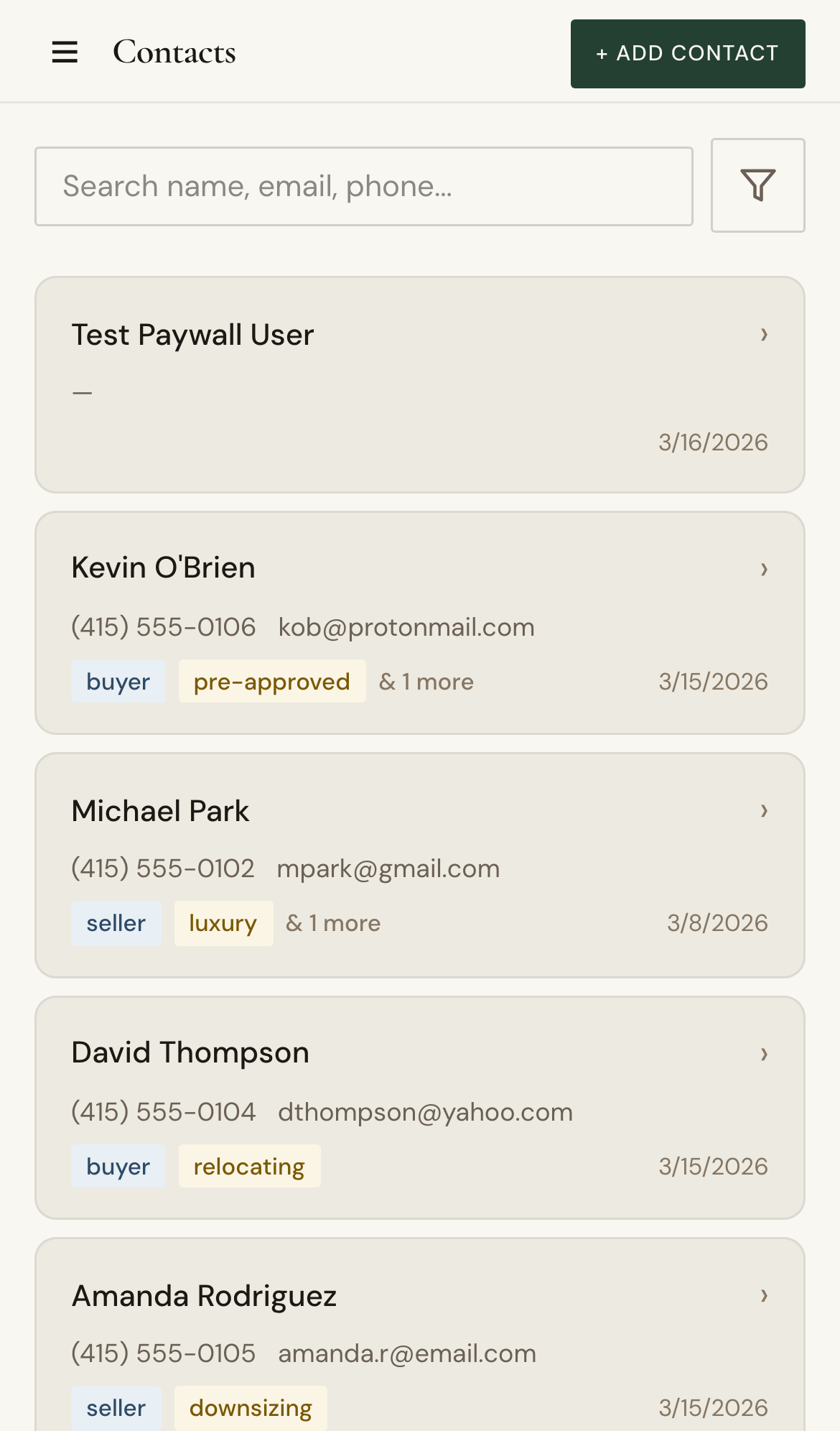
- Open Contacts and apply optional filters.
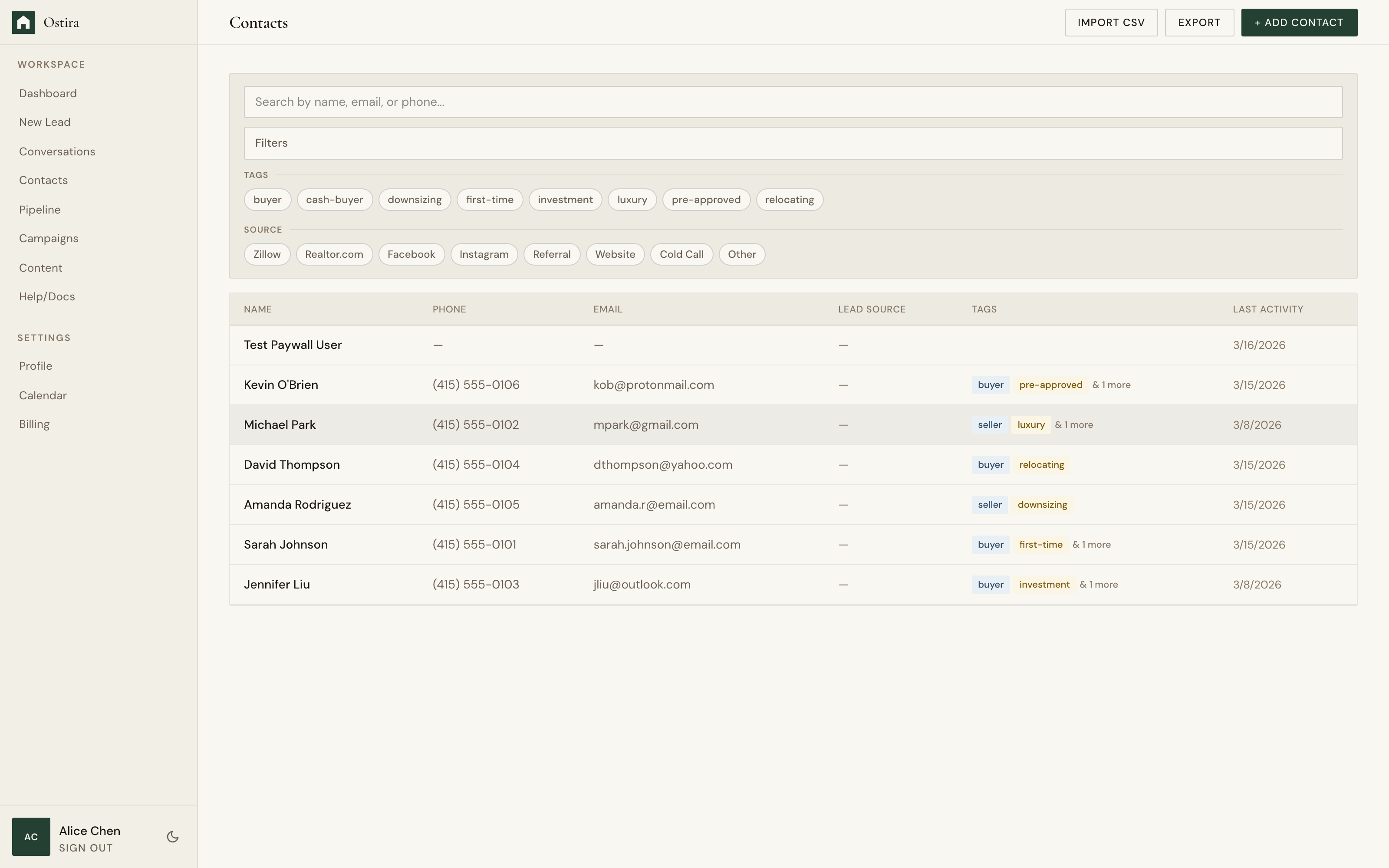
- Run the export action.
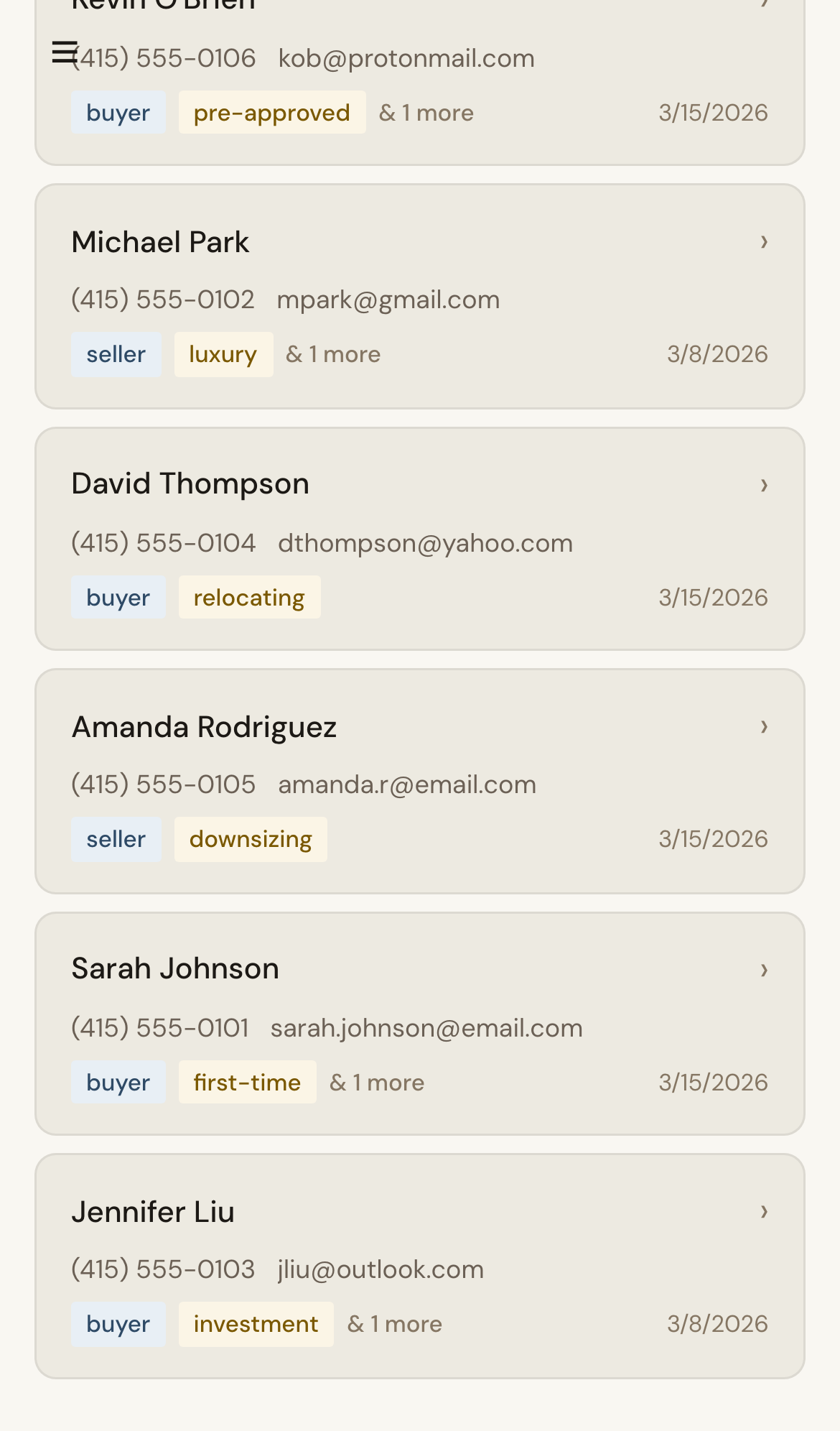
- Download the CSV and verify expected records.
Expected Result
You receive a CSV matching the selected filters and scope.
Screenshots
Visual reference aligned to each step with desktop and mobile variants.
Step 1
Step 2
Troubleshooting
- If export is empty, clear filters and retry.
- If fields are missing, ensure records contain those values before export.