Getting Started
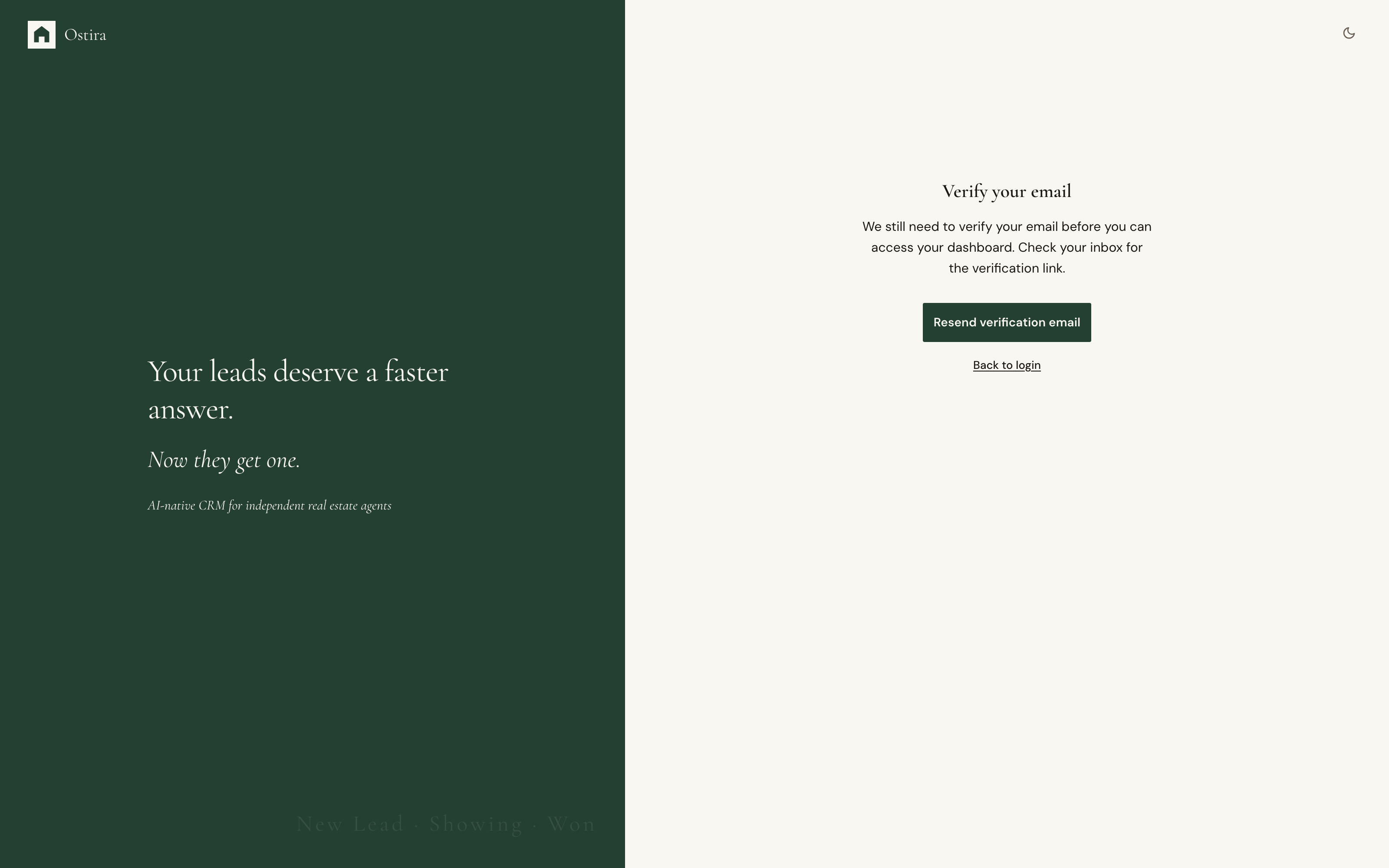
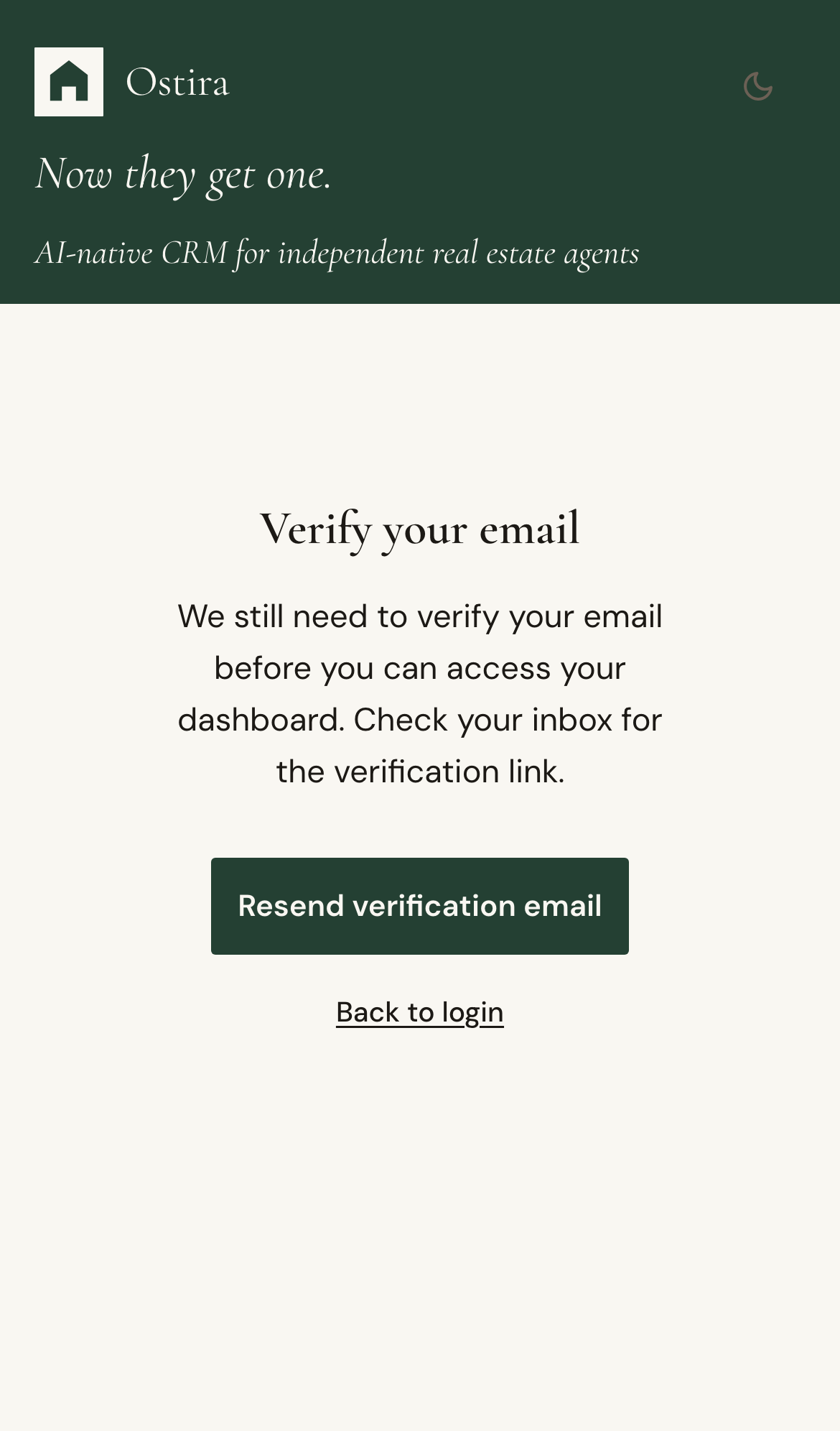
Verify Your Email
Summary
Verify email ownership to unlock account access and ensure delivery of critical account messages.
Steps
- Open your verification email from Ostira.
- Select the verification link.
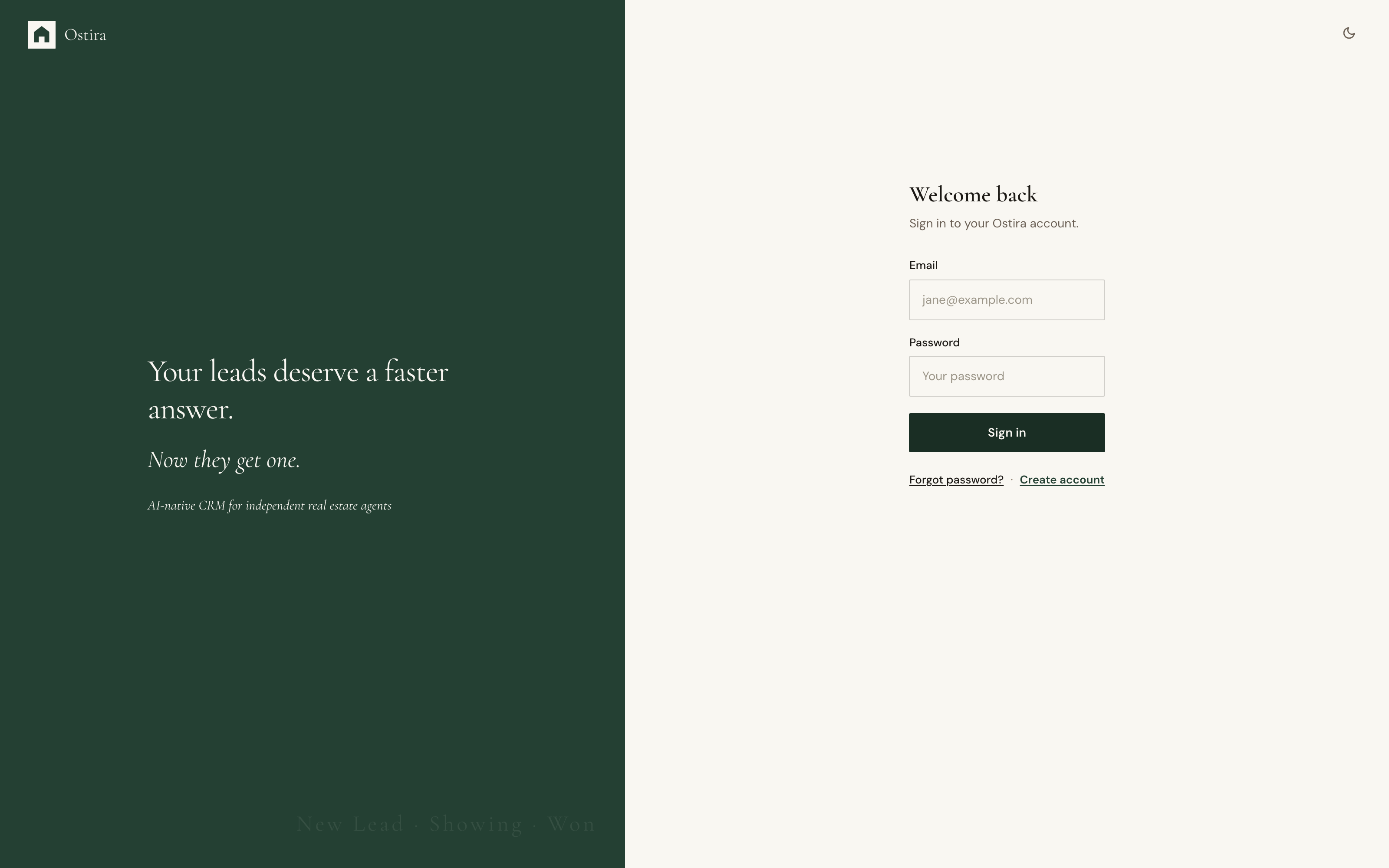
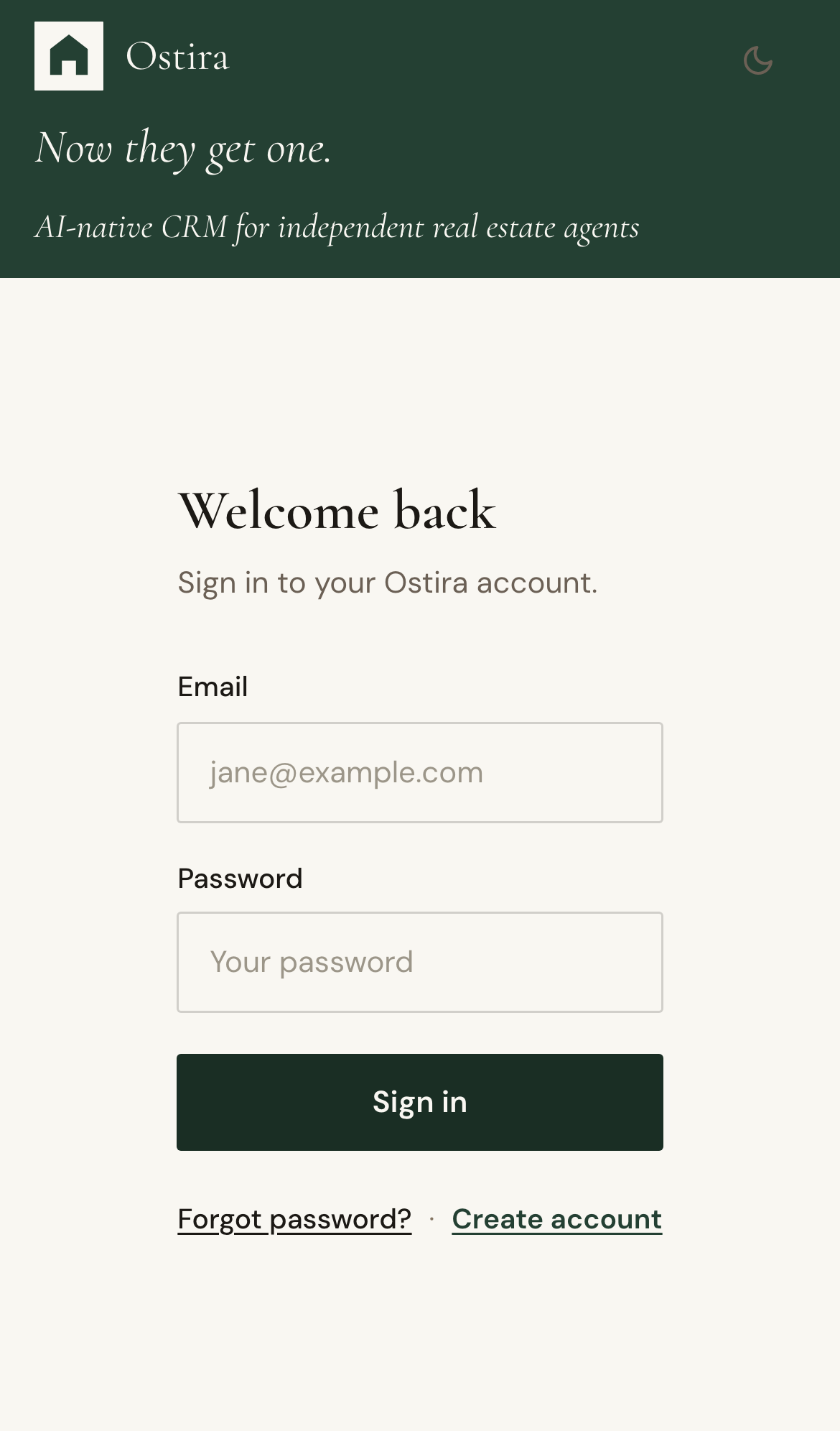
- Return to Ostira and sign in.
Expected Result
Email is verified and account access continues normally.
Screenshots
Visual reference aligned to each step with desktop and mobile variants.
Step 1
Step 2
Troubleshooting
- Request a new verification email if the previous link expired.
- Escalate with your account email and timestamp if verification still fails.